Launching a high-volume marketing rollout requires tools that scale without creating operational bottlenecks. Using a reliable bulk dynamic QR code generator allows you to produce hundreds or thousands of trackable, editable codes in minutes. Instead of building links individually, you upload your data once, apply your brand styling, and deploy print-ready files across every touchpoint.
Why High-Volume Campaigns Need Dynamic Codes
Static codes lock your data permanently. If a destination web address changes, an offer expires, or a link breaks after packaging prints, a static code becomes worthless scrap. For large campaigns, that kind of mistake ruins budgets and harms brand trust.
Dynamic QR codes solve this issue completely. They route through a short redirection URL, letting you change the destination link at any time without altering the printed artwork. If you want to dive deeper into why this flexibility matters, check out our guide on dynamic vs static QR codes.
Beyond flexibility, dynamic generation unlocks scan tracking. High-volume runs demand visibility into which regions, placements, and channels drive real engagement. Bulk generation paired with live redirection gives your team complete control after launch.
Comparing Bulk QR Code Approaches
Managing thousands of codes can be tackled through different technical workflows. Choosing the right path depends on your internal technical skills, budget, and campaign goals.
| Generation Method | Setup Speed | Post-Print Editing | Analytics Support | Ideal Use Case |
|---|---|---|---|---|
| Spreadsheet Import (Platform) | Fast (Minutes) | Full live updates | Comprehensive | Multi-store retail, marketing flyers, event badges |
| Developer REST API | Moderate (Requires Dev) | Full live updates | Comprehensive | Automated ticketing, dynamic e-commerce packaging |
| Offline Excel Add-in | Fast (Minutes) | None (Static only) | None | One-off internal serial numbers, warehouse labels |
For most marketing teams and growing brands, a web-based bulk spreadsheet import hits the sweet spot. It cuts out technical complexity while retaining complete post-print agility.
Step-by-Step: Generating Dynamic QR Codes in Bulk
Creating hundreds of unique codes does not require hours of repetitive clicking. With Swoo.se, you can streamline the process from initial data upload to final asset download.
- Prepare your data sheet: Create a CSV or spreadsheet file. Include columns for your code labels and destination URLs, along with any custom parameters or tracking tags you need.
- Upload to the generator: Import your structured data directly into the bulk creation tool. The platform maps your columns to dynamic targets.
- Apply branded styling: Customize the look of your batch. Adjust your shapes, select brand colors, and add your brand mark using our custom QR code design options.
- Export in high-resolution vector formats: Download your entire batch packaged cleanly as print-ready SVG or PDF files, or lightweight PNG images for digital layouts.
After generation, your codes are instantly active and ready for your production team or print shop.
Where Bulk QR Codes Deliver the Highest ROI
High-volume code generation serves businesses that connect offline audiences with digital experiences across widespread physical assets.
Retail Product Packaging
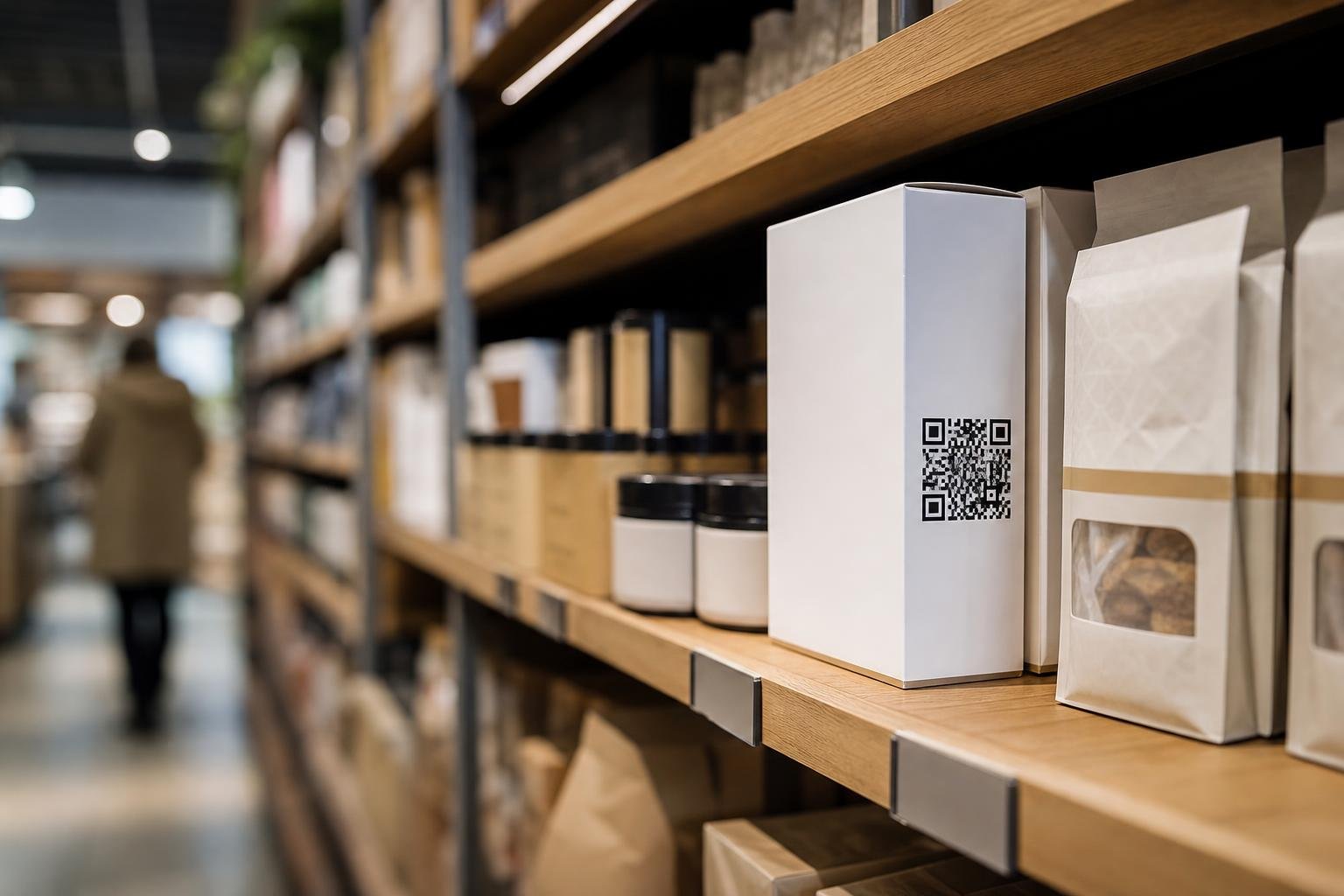
Consumer brands placing codes on hundreds of SKUs can direct buyers to user guides, warranty registrations, or localized offers. Read our breakdown on the best QR code generator for retail to see how dynamic workflows safeguard packaging runs.
Multi-Location Restaurants
Franchises and multi-unit restaurant groups need unique codes on every tabletop across dozens of locations. Bulk creation lets you deliver local digital menus while reviewing scan numbers by table and city.
Event Badges and Direct Mail
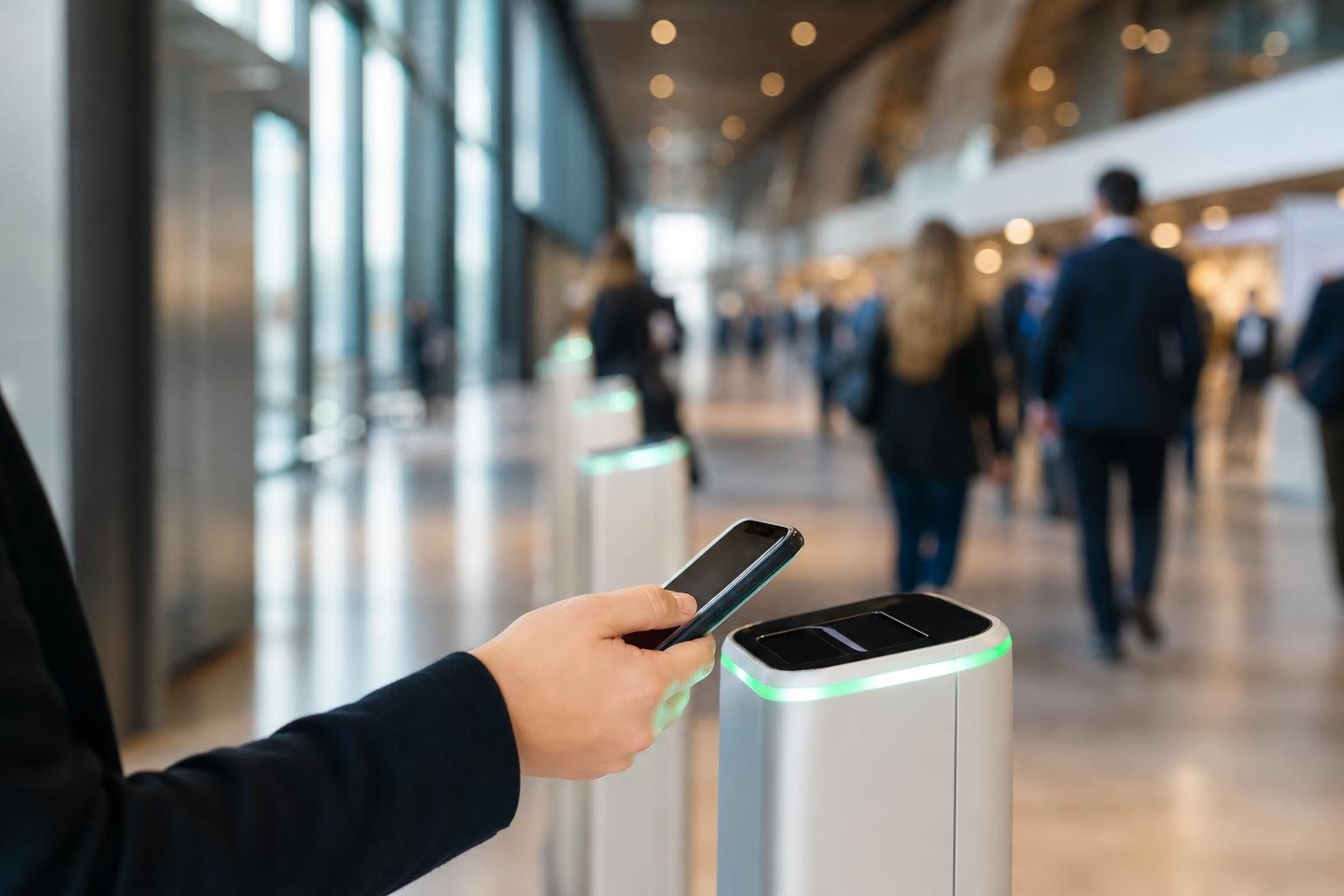
Event planners can issue personalized check-in codes for thousands of attendees simultaneously. Meanwhile, direct-mail teams can assign distinct trackable landing pages to individual postcards to measure response rates down to the postal code.
Measure and Optimize with Real-Time Analytics
Generating your codes is only step one. Measuring performance across a sprawling campaign is what justifies marketing spend and directs future strategy.
Our QR code analytics deliver clear scan metrics without clutter. You can review scan counts by day, track city and regional engagement, and see what devices your audience uses. For a deeper breakdown of data tracking benefits, read our guide on the best QR code generator with analytics.
If you run ongoing marketing programs with hundreds of printed assets, the PRO Subscription Plan provides unlimited dynamic QR codes, unlimited scans, and full analytics tracking so your campaigns never hit unexpected caps.
Best Practices for Large-Scale Print Deployments
Before sending thousands of pieces to the commercial printer, follow these standard production rules:
- Preserve contrast: Keep foreground patterns dark and backgrounds light. Inverted palettes can fail under cheap smartphone cameras and uneven lighting.
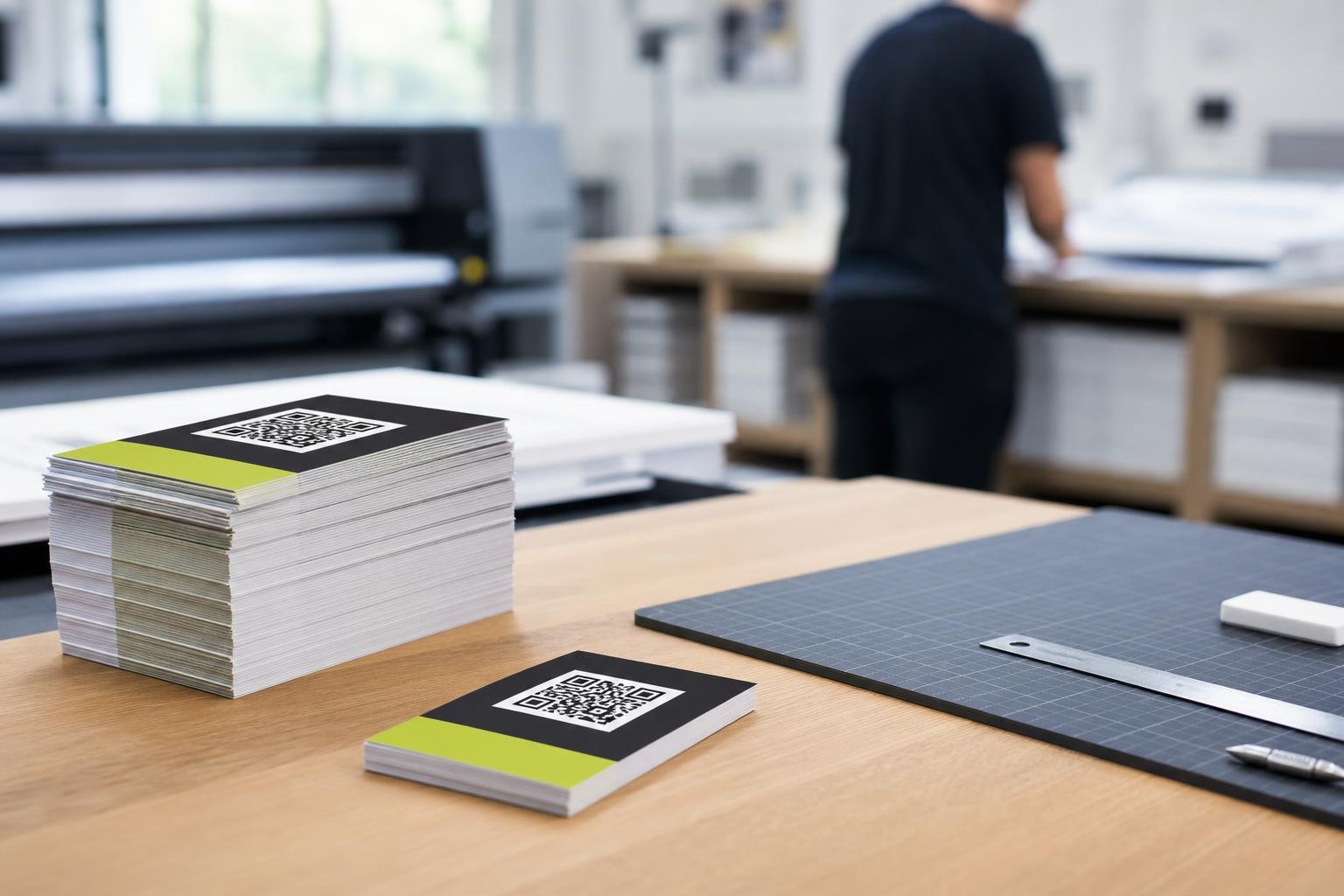
- Select the right export format: Use vector SVG or PDF files for commercial offset and flexographic printing. Reserve PNG files for digital mockups or small desktop runs.
- Size for scanning distance: A QR code should measure at least 2 x 2 cm (0.8 x 0.8 inches) for handheld scans. Billboards and posters need larger scaling based on how far back the user stands.
- Always run physical test prints: Never approve a massive press run based only on an on-screen preview. Print sample proofs on the final stock material and test scan them with both iOS and Android devices.
Frequently asked questions
Can I edit the destination URLs after generating QR codes in bulk?Yes. Because these are dynamic QR codes, you can change individual destination links or update whole groups directly through your dashboard at any point, even long after materials have been printed and distributed.
What file formats should I export for professional print runs?For packaging, signs, and large-scale print runs, export your codes as vector SVG or PDF files. Vectors scale to any dimension without pixelation or scanning degradation. For standard web use or small labels, high-resolution PNG files work well.
Will my dynamic QR codes stop working if scan volumes spike?Not when using the right tier. Upgrading to our PRO Subscription Plan gives you unlimited scans with zero scan limits, ensuring your high-traffic campaigns stay live during national promotions, viral spikes, or busy trade shows.
How do I organize hundreds of different codes within my account?You can organize campaigns using distinct naming labels, categories, and tags assigned during the initial bulk upload. This makes finding specific store locations, SKUs, or direct mail drops simple when reviewing analytics or updating links.