Finding the best qr code generator with analytics comes down to one simple question: do you actually know what happens after people scan your code? When you print a code on a flyer, menu, or product package, guessing scan numbers is not an option. You need real-time data on foot traffic, unique users, geographic locations, and devices so you can measure what works and fix what does not.
Why Static QR Codes Leave You in the Dark
Most free generators hand you a static QR code. It encodes your destination URL directly into the pixels. Once you print it on five thousand flyers or laser-etch it onto acrylic table stands, that link is permanent.
Static codes have zero tracking capability. You cannot see whether one person scanned your code or five hundred did. You cannot see whether scans happened on iOS or Android, or what city your visitors came from.
If you want actionable data, you must use dynamic QR codes. A dynamic code routes scans through a smart short link before redirecting to your final page. That bridge lets our platform capture scan events quietly in milliseconds. It also means you can update destination links whenever you want without reprinting a single flyer or package.
Essential Metrics to Track in Scan Analytics
Not all scan tracking is built the same. A raw number of scans gives an incomplete picture. You need deeper context to tell casual repeat scans apart from genuine new customer engagement.
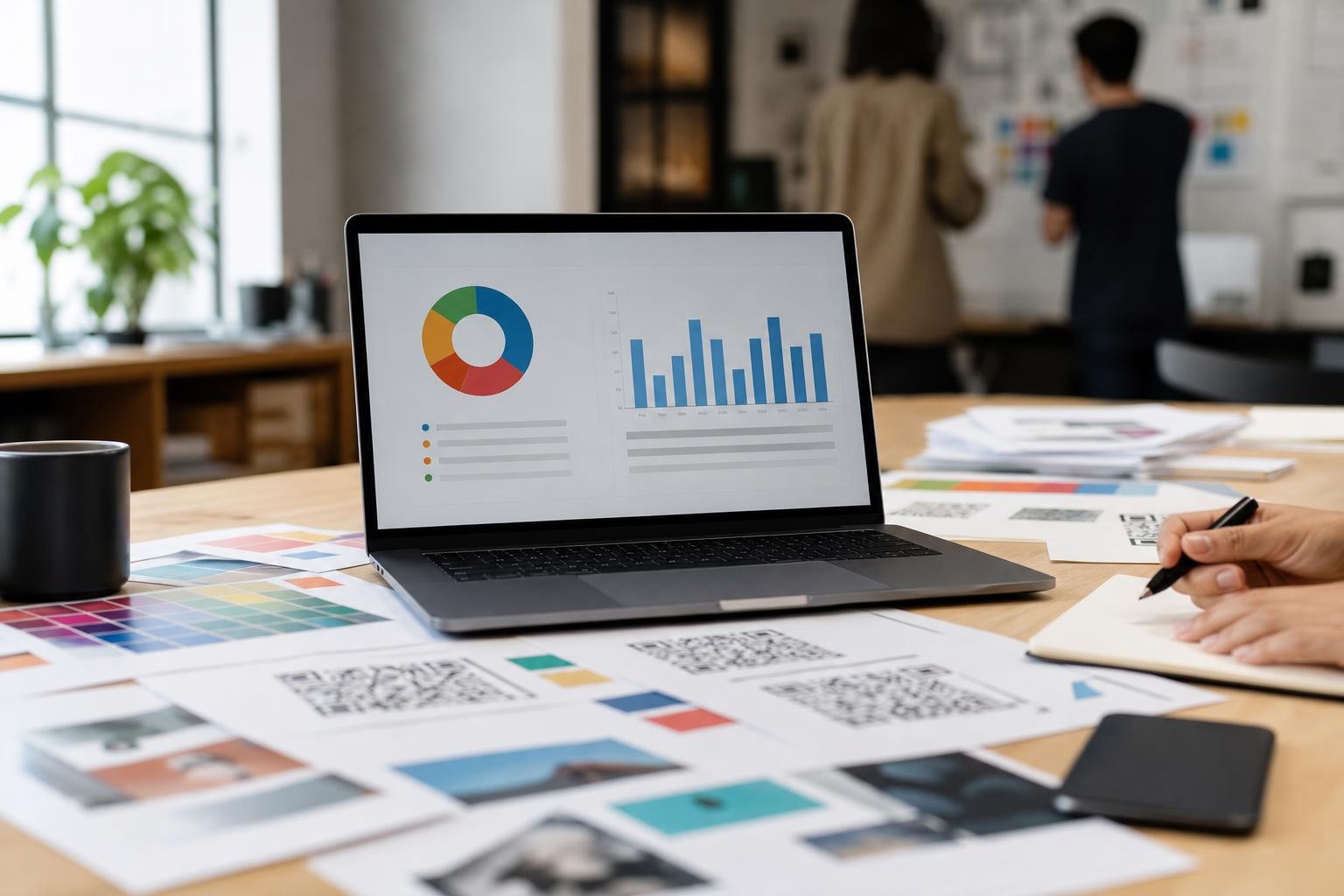
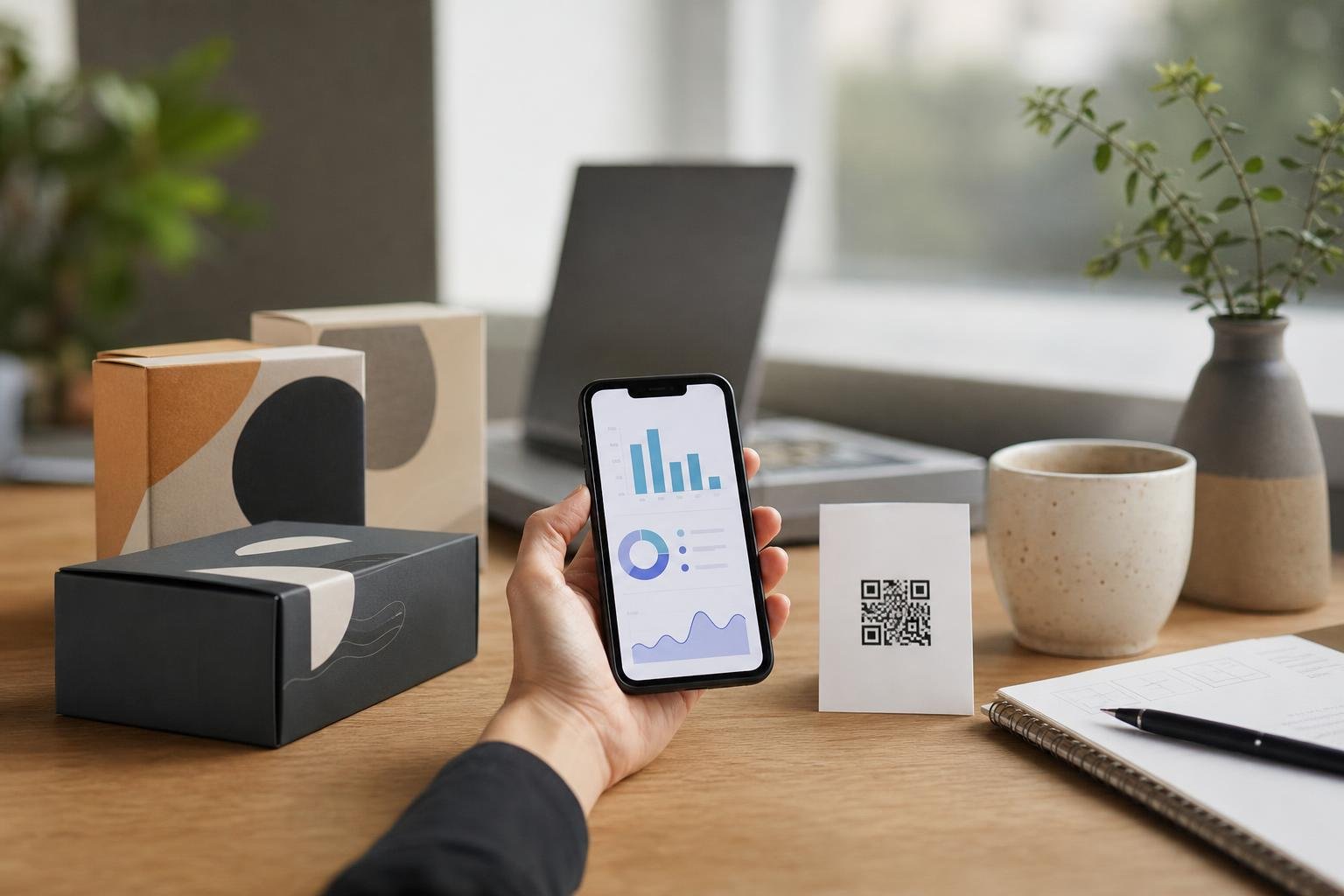
Here are the critical metrics our QR code analytics dashboard tracks for your campaigns:
- Total Scans vs. Unique Scans: Total scans reveal overall activity and repeat interest. Unique scans reveal exactly how many distinct visitors took action.
- Location by Country and City: Pinpoint where your audience interacts with your materials. This is vital for outdoor billboards, regional distribution, or city-wide events.
- Operating System and Device Type: See whether your visitors use iOS, Android, or desktop. This helps developers and marketers optimize landing pages for the right screen sizes.
- Scan Time and Date: Identify the exact hours and days your campaigns hit peak interest. Restaurants can measure lunch versus dinner crowds; retail stores can track weekend surges.
Comparing Static vs. Dynamic Analytics Solutions
Before you print marketing materials, look at how different options handle tracking and flexibility.
| Feature | Static QR Code | Basic Shortener Link | Professional Dynamic QR Code |
|---|---|---|---|
| Scan Volume Tracking | None | Click total only | Total and unique scans |
| Location Intelligence | No | Rough region | Country and city breakdowns |
| Device & OS Data | No | Browser data only | Specific device detection |
| Edit Link Post-Print | No | Sometimes | Yes, anytime |
| High-Res Export (SVG/PDF) | Rare | Varies | Yes, vector formats included |
For ongoing marketing, choosing dynamic QR codes saves money. One reprint of packaging or menus costs significantly more than running a smart generator.
How Different Industries Put Scan Data to Work
Analytics turn physical media into measurable digital channels. Here is how different businesses use scan reporting to make practical decisions daily.
Restaurants and Cafes
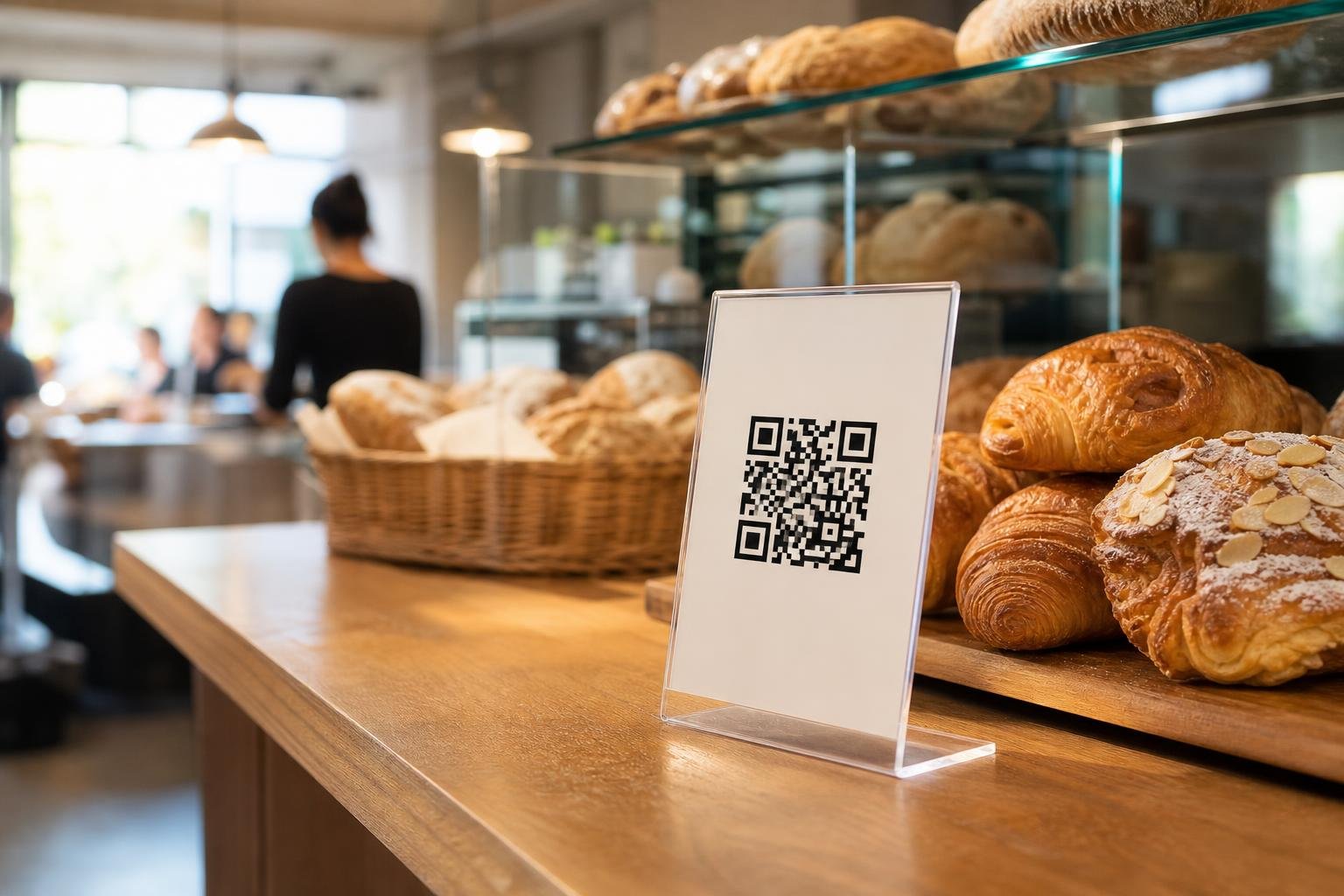
Switching to digital menus cuts printing bills, but analytics take it further. Track lunch versus dinner traffic on table tents. See which tables scan payment codes most often. If scans plunge on Tuesday afternoons, run a lunch-special promotion to test foot-traffic recovery.
Retail Shops and Direct-to-Consumer Brands
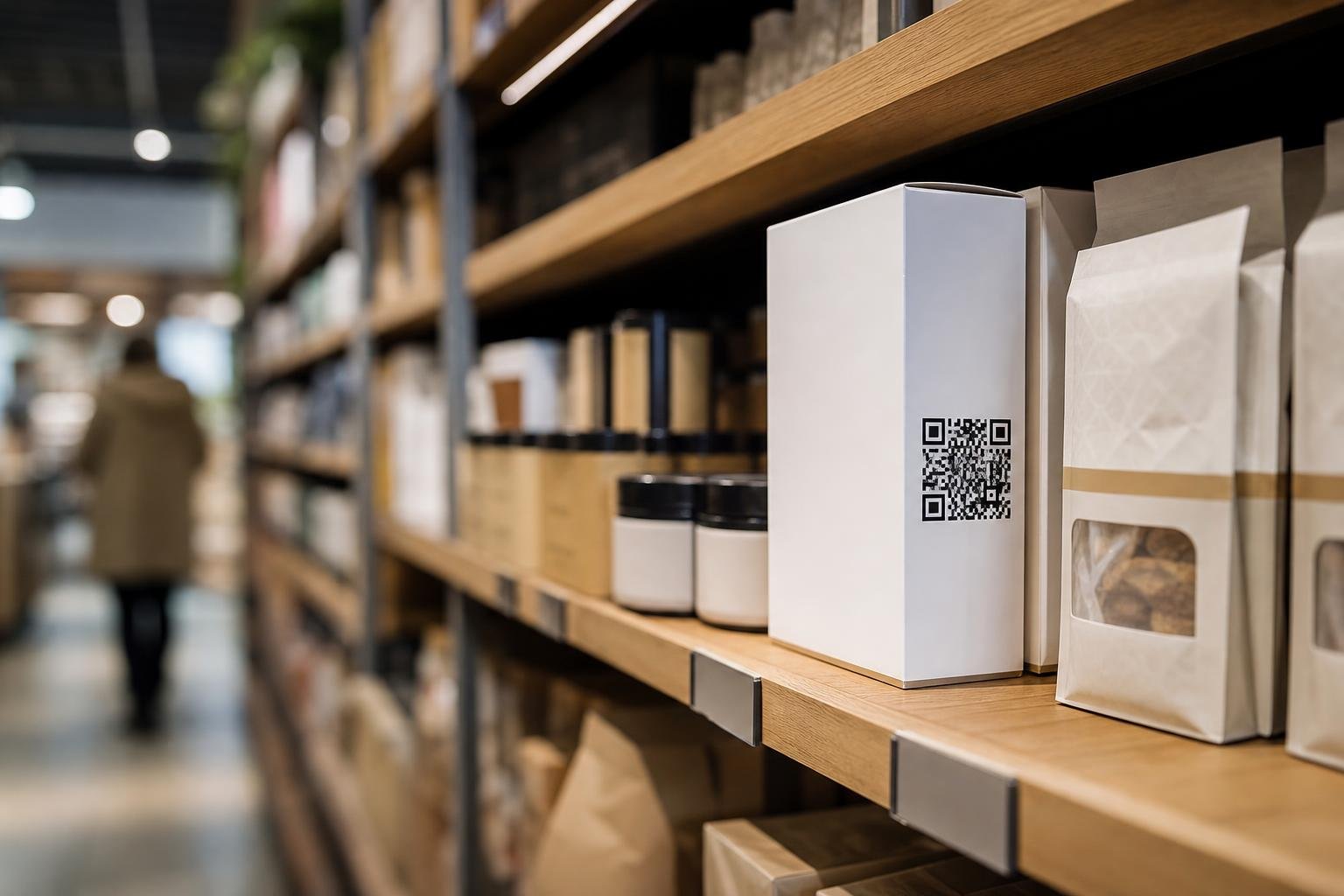
Put packaging QR codes on product boxes. Monitor which retail stockists generate reorders and reviews. A brand selling across several cities can see which stores spark product registrations and which need better shelf placement.
Event Organizers and Expos
Place dynamic codes on attendee badges, roll-up banners, and presentation slides. Event teams can compare morning keynote scans against breakout session scans in real time. If a sponsor banner gets no traction, you can swap its call-to-action link midway through the conference.
Matching Custom Design with Clean Readability
Good analytics require people to scan in the first place. A plain, generic black-and-white square easily gets overlooked on professional branding materials.
You can customize your codes with branded colors, frames, and embedded logos using our custom QR code design tools. Adding clear call-to-action frames like "Scan for Menu" or "Scan for Wi-Fi" boosts scan rates dramatically.
Always maintain strong contrast between the dark foreground modules and the light background. Download your final designs in crisp vector formats like SVG or PDF for large print projects, or high-res PNG for online assets. Test your codes with both an iPhone and an Android camera before you send files to print.
Get Complete Scan Visibility with Swoo.se
At Swoo.se, we believe analytics should be fast, clear, and frustration-free. We cut out hidden fees, scan caps, and confusing dashboards. Whether you run a single retail shop or direct nationwide marketing campaigns, you get clean reports that help your business grow.
Explore our features to see how dynamic links, custom frame designs, and deep data tracking work together. Or browse our pricing to find the right tier for your scan volume and start building smarter campaigns today.
Frequently asked questions
Can I edit the destination URL after printing my QR code?Yes. When you use dynamic QR codes on Swoo.se, you can change the target URL in your dashboard at any time. The printed design stays identical, but visitors are immediately redirected to your new destination.
What is the difference between total scans and unique scans?Total scans represent every single scan event, including repeat scans by the same person. Unique scans isolate individual visitors, giving you an accurate count of distinct people who engaged with your code.
Do my dynamic QR codes have scan limits?No. Our platform avoids arbitrary scan caps. Your campaigns can receive traffic without worrying about codes shutting off mid-promotion or facing unexpected overage fees.
Which export formats are best for printing scanned marketing materials?For print production, vector formats such as SVG or PDF are ideal because they scale to any size without blurriness. For digital displays or basic flyers, high-resolution PNG files work cleanly.