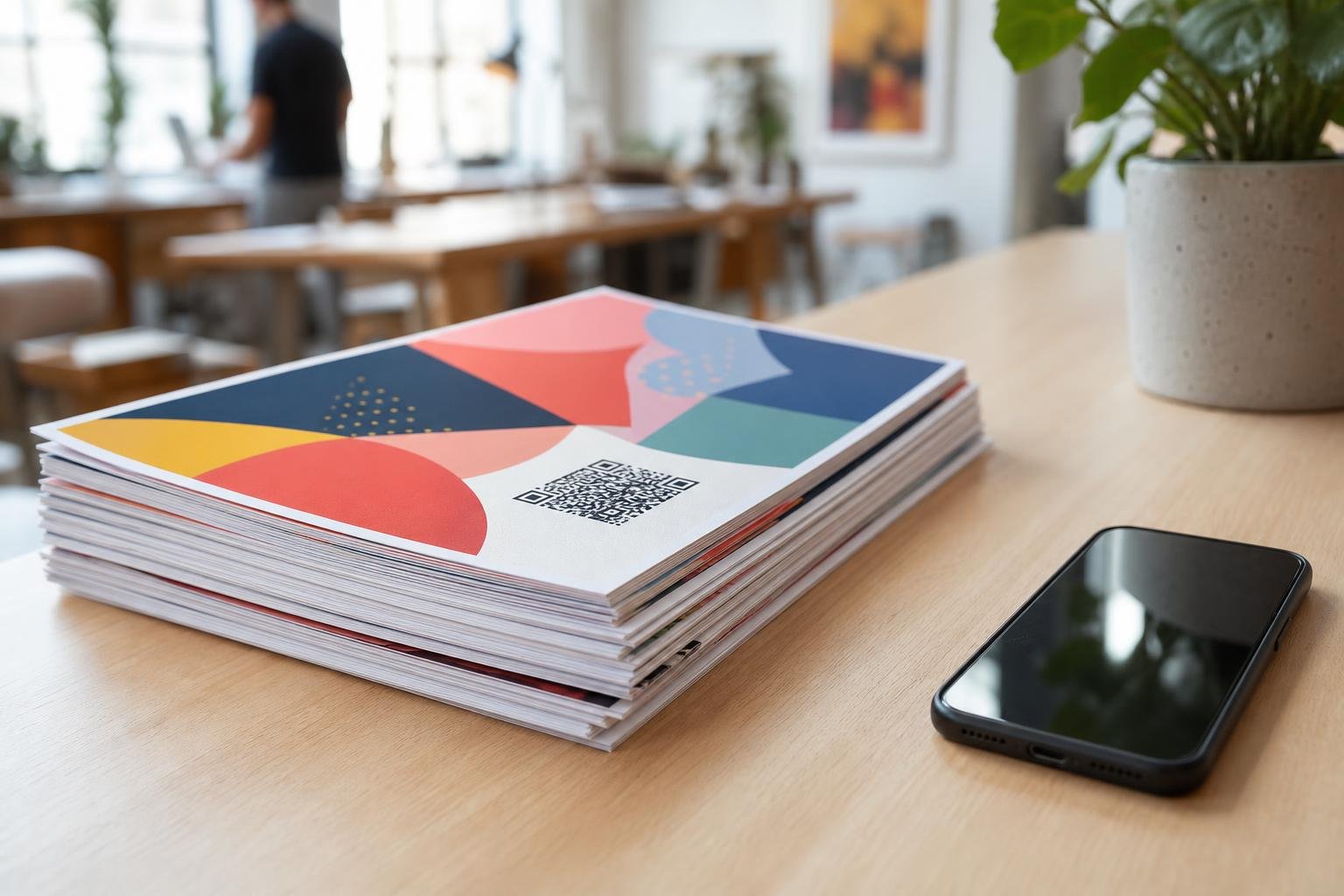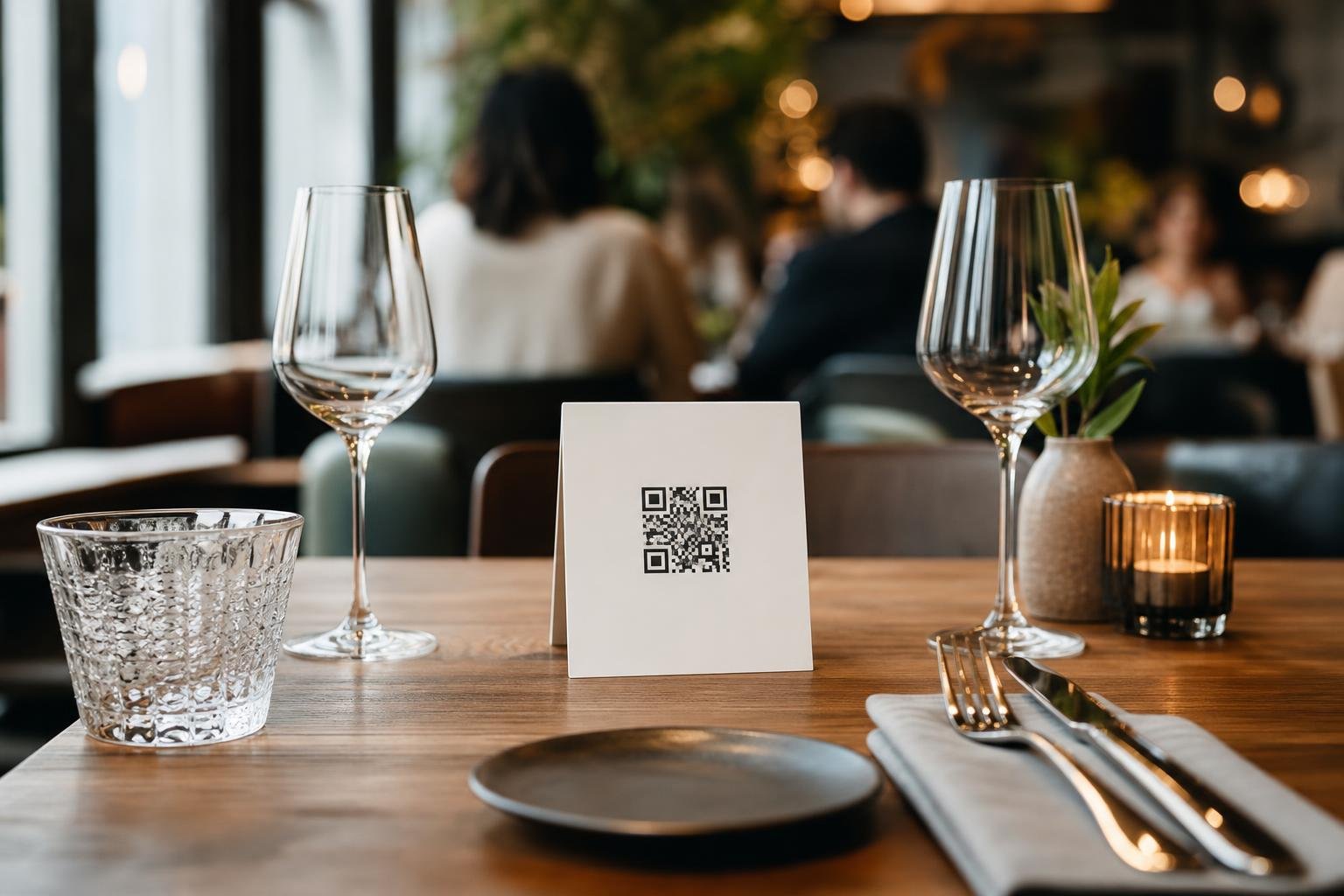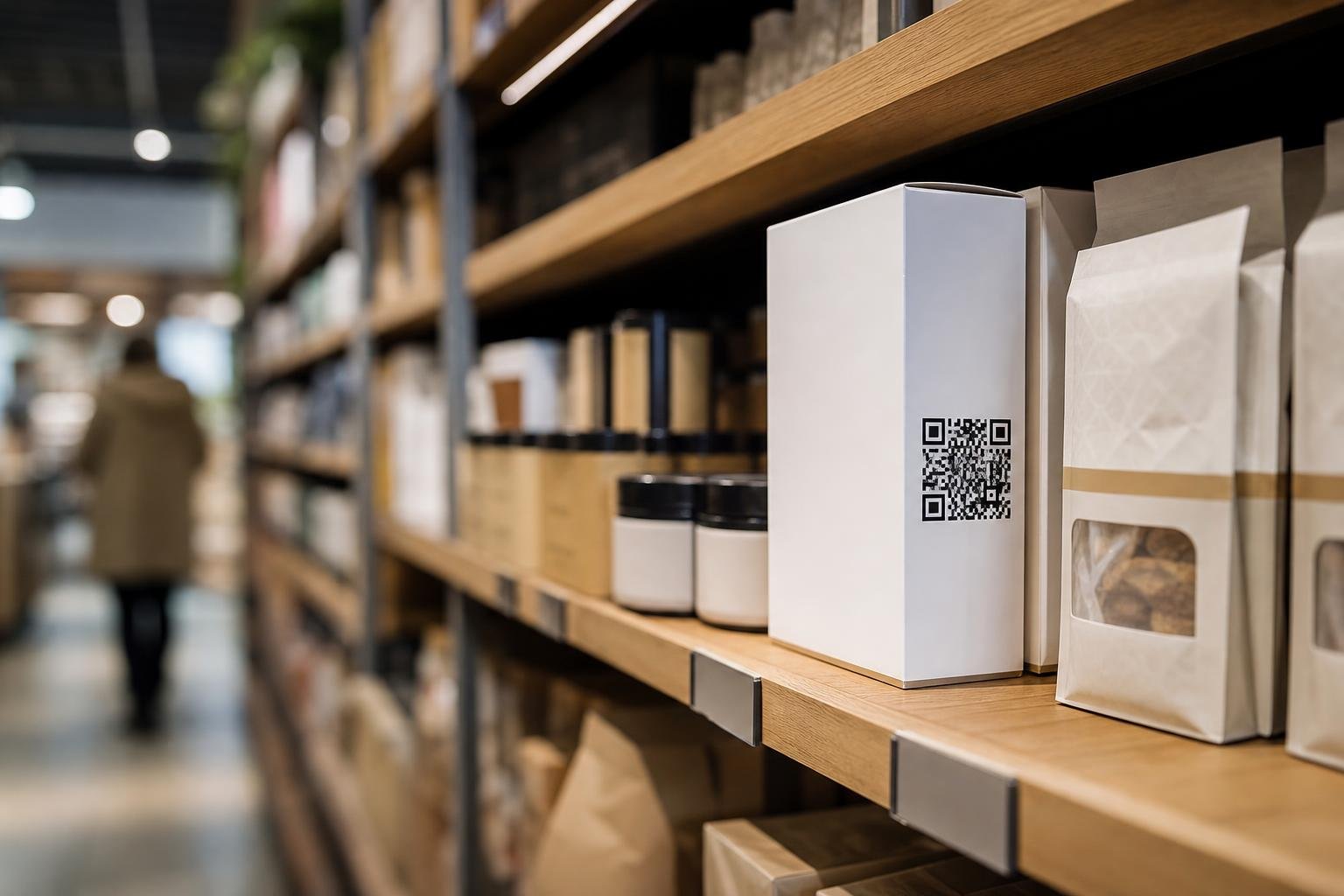
Finding the best QR code generator for retail comes down to two non-negotiables: total control over where your printed codes point and sharp print quality that scans every time. Once your packaging hits store shelves, you cannot recall thousands of boxes just to fix a broken URL or launch a seasonal campaign. At Swoo.se, we help retail shops and brands turn static boxes, tags, and displays into direct channels to their customers.
Why Retail Packaging Needs Flexible, Dynamic Codes
Retail packaging has a long shelf life, but marketing moves fast. A static code burns a fixed URL into your artwork forever. If that link breaks, changes structure, or points to an expired contest, your packaging becomes a dead end.
Using dynamic QR codes eliminates that risk completely. A dynamic code routes shoppers through an editable short link. You can redirect a package printed in January to a video tutorial in March, a reorder page in June, or a loyalty signup in the holiday rush—without touching the box design.
The Real Costs of Static vs Dynamic Packaging
- Static codes: Zero room for error. A typo in your target address means scrapping entire print runs or pasting over thousands of boxes with correction stickers.
- Dynamic codes: Infinite updates. You change the destination URL in your dashboard in seconds, keeping packaging relevant through multiple inventory cycles.
- Clean matrix: Dynamic links stay short, keeping the pixel grid open and easy for phone cameras to read even at small sizes on cardboard and shrink wraps.
Essential Features of the Best QR Code Generator for Retail
Not all code generators can handle the physical demands of retail. High-volume manufacturing requires specific file types, precise styling, and reliable backend infrastructure.
Before picking a tool for your product line, compare how different generator capabilities impact your retail workflow:
| Generator Capability | What It Provides | Why Retailers Need It |
|---|---|---|
| Vector File Exports (SVG, PDF) | Infinite scaling without pixelation | Prevents blurry codes when printing packaging, cartons, or displays |
| Editable Destinations | Instant link rerouting behind the scenes | Extends packaging lifespan across seasonal promos and updates |
| Scan Metrics & Analytics | Data on scans by city, date, and device | Measures consumer engagement across different stores and regions |
| Custom Design & Logo Integration | Brand colors, frames, and custom badges | Increases shopper trust and improves scan rates on crowded shelves |
| Zero Scan Limits | Unrestricted traffic handling | Prevents broken links when a product goes viral or scales up |
If your generator caps scans or adds surprise fees once your volume spikes, your packaging stops working when you need it most. You can check our straightforward tiers on our pricing page to avoid surprise cutoffs.
How Modern Retailers Use QR Codes on Shelves and Boxes
Smart packaging bridges the gap between physical retail shelves and your digital store. Shoppers want answers right in the aisle before they place an item in their cart.
Popular Retail QR Code Placements
- Instant Reorders and Loyalty: Place a code inside the product box or bottle cap. Once a shopper finishes the item, one scan lets them reorder straight from your website.
- Setup Guides and Video Tutorials: Electronics and flat-pack goods often cause customer support headaches. A quick scan to a video manual cuts returns and boosts customer satisfaction.
- Ingredient and Sustainability Sourcing: Food, beverage, and skincare buyers care about origins. Link straight to batch testing, organic certifications, or recycling instructions.
- Direct Customer Chat: Connect shoppers to customer support or pre-sales advice using WhatsApp or direct chat codes right on retail display units.
For more ideas on how to coordinate print collateral with your physical inventory, see our guide on editable QR codes for print materials.
Getting the Design and Print Quality Right
A QR code only works if shoppers notice it and their phone camera reads it in a fraction of a second. Poor contrast, glossy lamination, and curved surfaces cause scan failures on retail shelves.
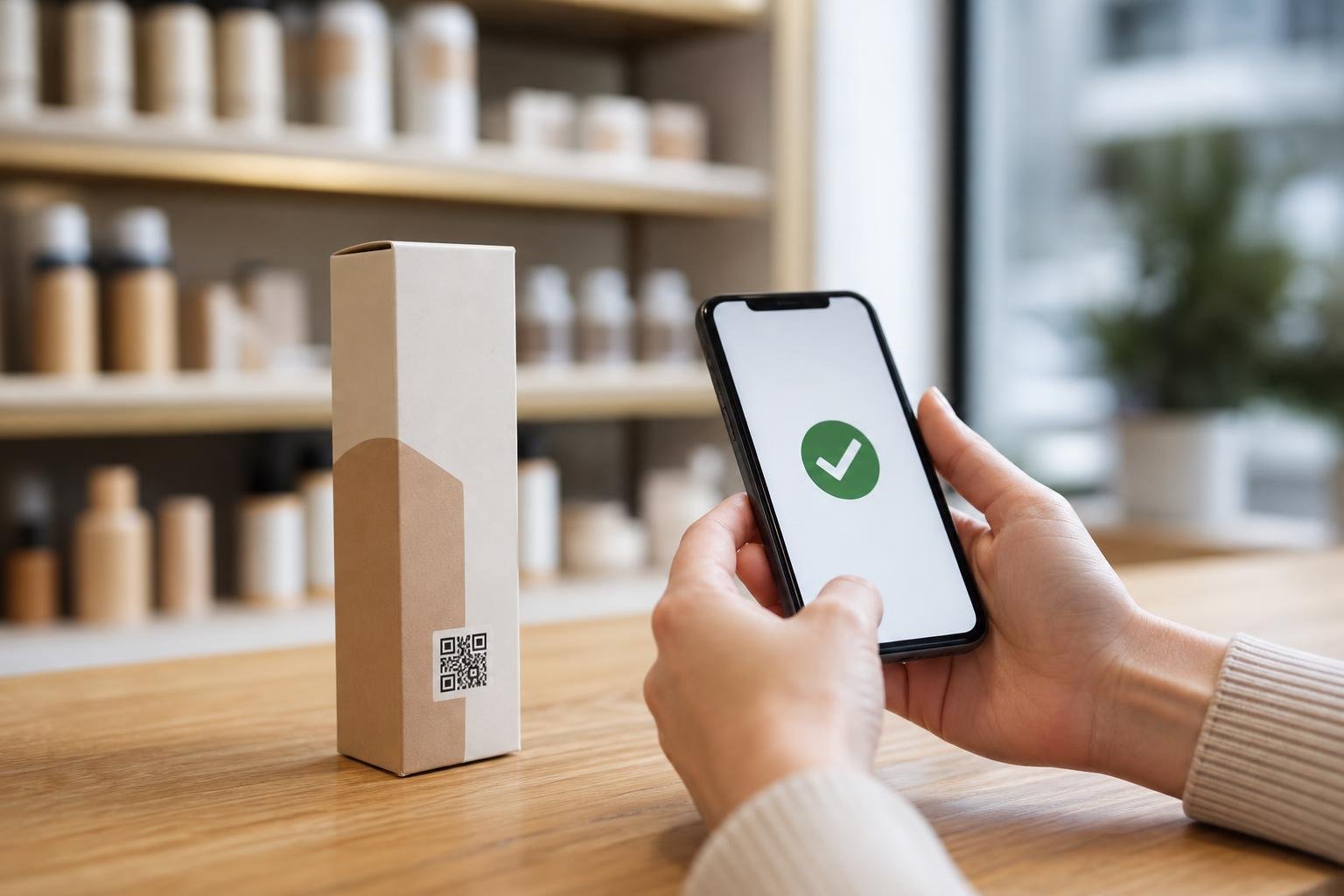
Always maintain strong contrast between your code and the background. Dark codes on light surfaces are the gold standard. Inverting colors—placing white squares on a dark background—often fails on budget smartphone cameras.
Export your designs only as vector files like SVG or print-ready PDF. Raster files like low-resolution PNGs can blur when resized by prepress printers, ruining scan reliability. To learn how to frame and brand your code without breaking scannability, explore our guide to custom QR code design.
Finally, add a clear call to action (CTA). Never drop a raw square onto your carton. Give shoppers a concrete reason to pull out their phone, such as Scan to See Recipes, Scan for Setup Video, or Scan to Verify Authenticity.
Tracking Customer Engagement with Packaging Analytics
Once your products leave the warehouse for third-party distributors, you usually lose visibility into who buys them. QR codes give you direct consumer intelligence back.
By monitoring scan activity through QR code analytics, you can see real-time engagement patterns. Compare which store displays spark the most scans, which product variations drive the most interest, and which regions are adopting your items fastest.
These metrics reveal the exact mobile operating systems your buyers use and the peak hours they interact with your brand. Pair that data with our scan analytics guide to refine product copy, optimize packaging layouts, and plan your next manufacturing run with solid numbers.
Setting Up Your Retail Packaging Codes on Swoo.se
Getting production-ready codes for your retail line takes just a few clicks. Here is the process we recommend for brands preparing packaging runs:
- Select Dynamic URL: Choose dynamic QR codes so you can update the landing page whenever your inventory or marketing plan shifts.
- Enter Your Target URL: Point your code to a mobile-optimized product page, warranty form, or video guide.
- Style to Fit Your Packaging: Match your brand colors, incorporate your logo, and add a crisp frame with a direct CTA.
- Download in SVG or PDF: Send pure vector files directly to your packaging printer or prepress team for sharp reproduction at any physical scale.
- Perform Real-World Testing: Print a physical mock-up on your intended stock—whether matte paper, corrugated board, or clear film—and scan it across multiple devices and lighting conditions before approving production.
Frequently asked questions
What is the best format to download a QR code for retail printing?Always choose vector formats such as SVG or PDF. Unlike PNGs or JPEGs, vector files can be scaled to any size without losing crisp edges or blurring, which is essential for commercial packaging printing.
What size should a QR code be on product packaging?For handheld products scanned from 20 to 30 centimeters away, keep your code at least 2 x 2 centimeters (0.8 x 0.8 inches). If printing on coarse cardboard, curved surfaces, or larger cartons, increase the size to 3 x 3 centimeters or more to ensure fast scanning.
Can I change where a retail QR code points after printing thousands of boxes?Yes, provided you use dynamic QR codes. Swoo.se lets you update the destination URL instantly from your dashboard at any point, even years after your products have shipped to stores.
Do retail shoppers need a special app to scan these codes?No. Modern smartphones scan QR codes natively using their built-in camera apps. Pointing the phone camera at the code displays the link immediately without requiring extra software.