Using editable qr codes for print materials ensures you never have to throw away a batch of printed flyers or brochures because of a broken link. Instead of hardcoding a web address into a pixel pattern, an editable code directs scanners through a flexible redirect that you can change whenever you want. You print your collateral once and update the destination anytime your campaign evolves.
The Real Risk of Printing Static QR Codes
Print runs cost money. Whether you produce trade show brochures, direct mail postcards, or counter flyers for your retail shop, ink on paper is permanent. If you use standard static codes, the destination link is baked directly into the black-and-white grid pattern.
One small typo means instant failure. A changed campaign URL, an expired landing page, or a migrated website turns thousands of physical assets into dead ends. When customers scan a dead code, they see an error screen, and your marketing investment goes straight into the recycling bin.
Editable codes solve this problem cleanly. By generating a code that points to a flexible short link, the underlying pattern never changes, but the target destination does. You protect your budget, safeguard your operational schedule, and keep physical media working for months or years.
Static vs. Editable Codes: Choosing the Right Option for Print
Before sending collateral to your commercial printer, you need to match your marketing goals with the right code structure. Choosing the wrong setup forces costly reprints.
| Feature | Static QR Codes | Editable (Dynamic) QR Codes |
|---|---|---|
| Destination Editing | Impossible after print | Instant via dashboard |
| Design Density | Gets crowded with long URLs | Stays clean and minimal |
| Scan Analytics | None | Scans, cities, devices |
| Best Used For | One-off Wi-Fi or plain text | Flyers, brochures, packages |
| Financial Risk | High reprint costs on typos | Zero print waste |
For anything involving distribution, shipping, or long shelf lives, our dynamic QR codes keep your material adaptable long after the ink dries.
Five Practical Ways to Use Editable Codes Across Print Collateral
Print collateral serves different purposes as your business grows. Here is how modern businesses use editable codes across everyday marketing pieces:
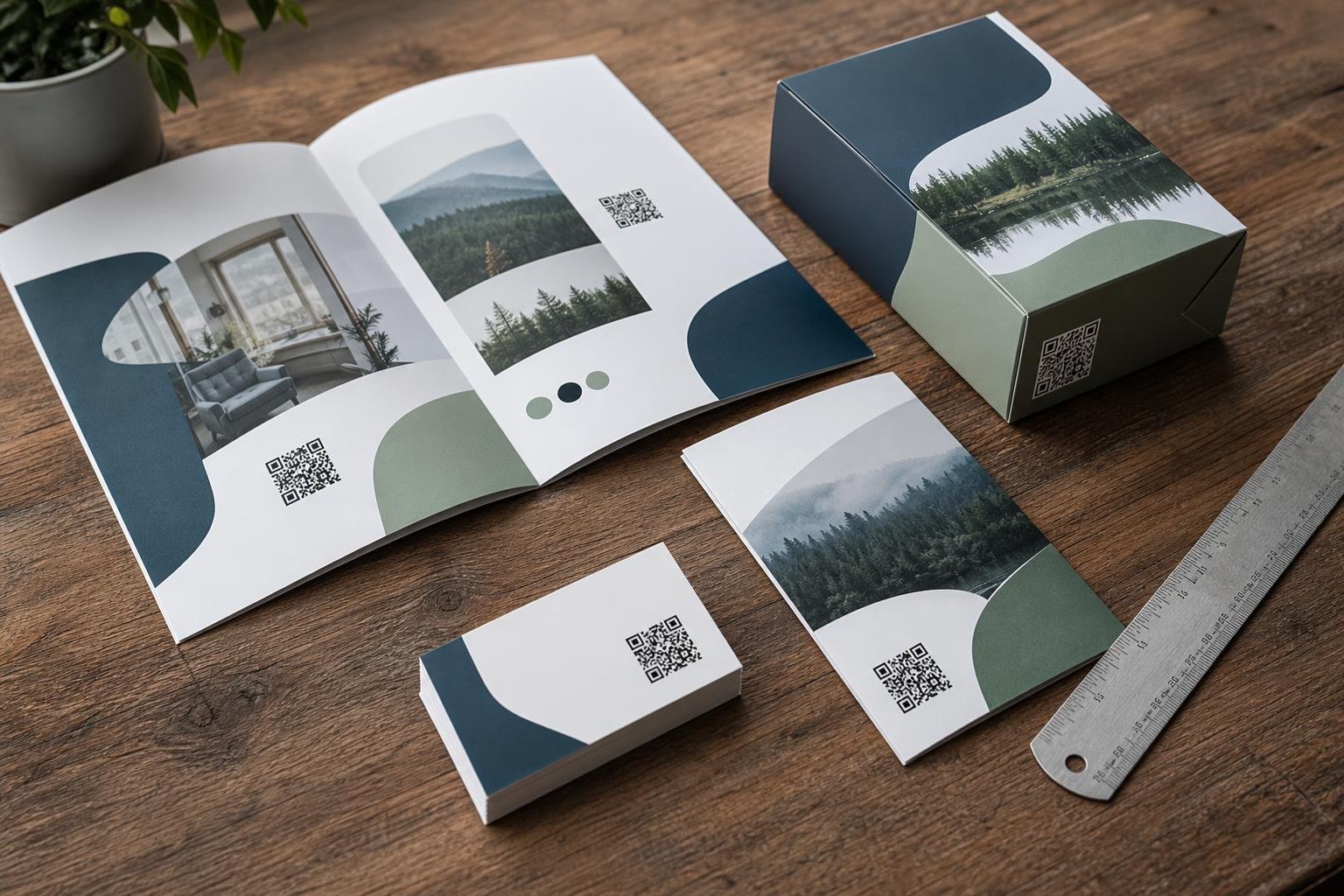
- Brochures and Catalogs: Direct prospects to your current product line today, and repoint that same square to an updated catalog next quarter without reprinting a single page.
- Event Flyers and Handouts: Point attendees to an event schedule on Friday, switch it to live session feedback on Saturday, and redirect to post-event presentation slides on Monday morning.
- Direct Mail Postcards: Send recipients to a seasonal flash sale page, then seamlessly forward late scanners to your permanent shop catalog once the promotion ends.
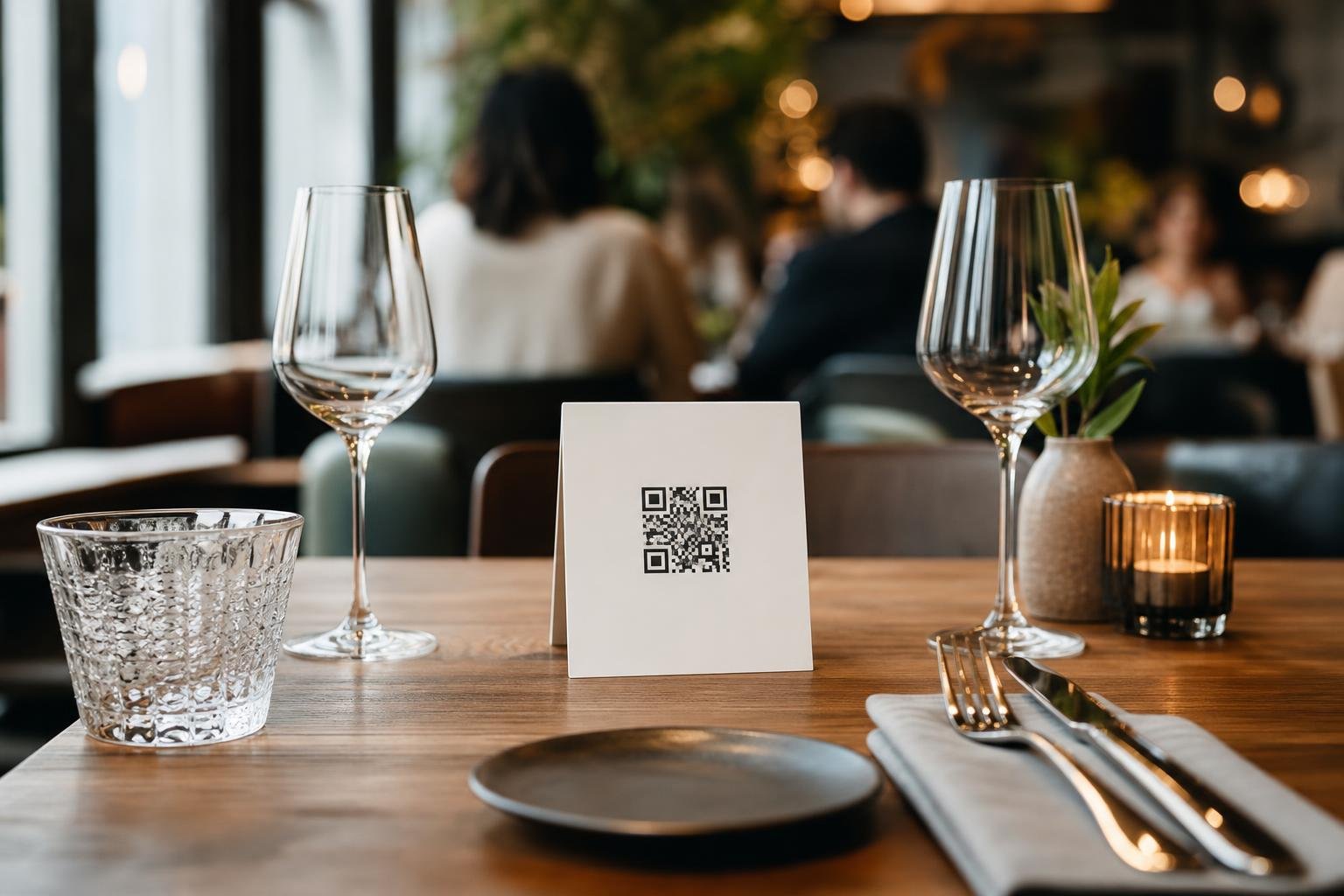
- In-Store Posters and Table Tents: Restaurants and retail shops can alternate codes between a happy hour menu, a loyalty signup page, or an active WhatsApp chat line based on the time of year.
- Product Packaging and Insert Cards: Keep instructional videos or warranty registration pages active, even if your underlying product documentation system changes.
Print Sizing and File Format Guidelines
A QR code can only connect offline prospects to your business if cameras can read it smoothly. Sizing, contrast, and export resolution make or break your print run.
Choose Vector Formats for Clean Output
Never use low-resolution screenshots for physical printing. Export your designs as SVG or PDF files when handing assets to commercial printers. Vector files scale cleanly to any size, whether destined for a business card or a massive street-side billboard, without blurring edges.
Maintain Scannable Proportions
Follow these basic rules to keep your prints easily readable:
- Maintain high contrast: Dark foregrounds over crisp light backgrounds scan fastest. Inverted palettes or muddy colors confuse phone cameras.
- Keep the quiet zone: Leave clear white margins around the outside border of your code so scanners can distinguish it from nearby body copy or background art.
- Size by scanning distance: For hand-held materials like flyers and brochures, print your code at a minimum size of 20 mm by 20 mm (about 0.8 inches square). If posters sit behind counters or windows, calculate a 10:1 ratio: a poster scanned from two meters away needs a code at least 20 cm wide.
Before heading to the press, explore custom QR code design options to add branded colors and frames that catch the eye while passing standard contrast tests.
Tracking Campaign Performance Beyond the Page
Print marketing used to be a black box. You mailed postcards or passed out brochures and hoped foot traffic or phone inquiries followed. You rarely knew which batch worked.
Editable codes bridge the offline-to-online gap. Because scans pass through a smart redirect, your dashboard captures valuable engagement metrics instantly. You can review scan volume over time, pinpoint peak scanning hours, and identify which zip codes or cities generate the most interest.
Check your QR code analytics to see whether customers scan your direct mail drops using iPhones or Android devices. If an outdoor banner campaign fails to generate numbers while table tents in your retail store explode with activity, you can adjust your print spend immediately.
Setting Up Editable Codes for Your Next Print Batch
Getting started takes only a few minutes, long before your design files head to prepress:
- Select your code type: Pick your preferred destination, such as a website link, restaurant menu, or social profile.
- Customize the visuals: Add your brand colors, embed your company logo, and choose a frame with an actionable call-to-action like "Scan for Menu" or "Download Guide."
- Download vector files: Export your finished asset in SVG or print-ready PDF format for your graphic designer or print shop.
- Test on multiple devices: Open native camera apps on both iOS and Android to test scan speed under standard indoor lighting.
- Send to print: Order your print inventory with total peace of mind, knowing you can modify destination URLs, seasonal promotions, or landing pages at any point down the road.
Frequently asked questions
Can I edit the destination URL after the brochure is printed?Yes. When you create editable dynamic QR codes, you can log in to your Swoo.se dashboard at any time and swap out the target URL. The physical pattern printed on your brochure remains identical while instantly sending scanners to the new page.
Will changing the destination URL break my QR code?No. The QR code links to a persistent, smart redirect URL managed by the platform. When you update the destination, the redirect simply forwards visitors to your new web address without altering the scannable code itself.
What happens if someone scans my printed flyer without an internet connection?Because editable QR codes redirect users to live online web pages, the scanning smartphone requires active mobile data or a Wi-Fi connection to load the destination page.
Which file format should I send to my commercial printer?Always provide vector formats like SVG or print-quality PDF. Unlike PNG or JPEG images, vector formats never lose sharpness or produce pixelated edges when scaled to match your print layouts.