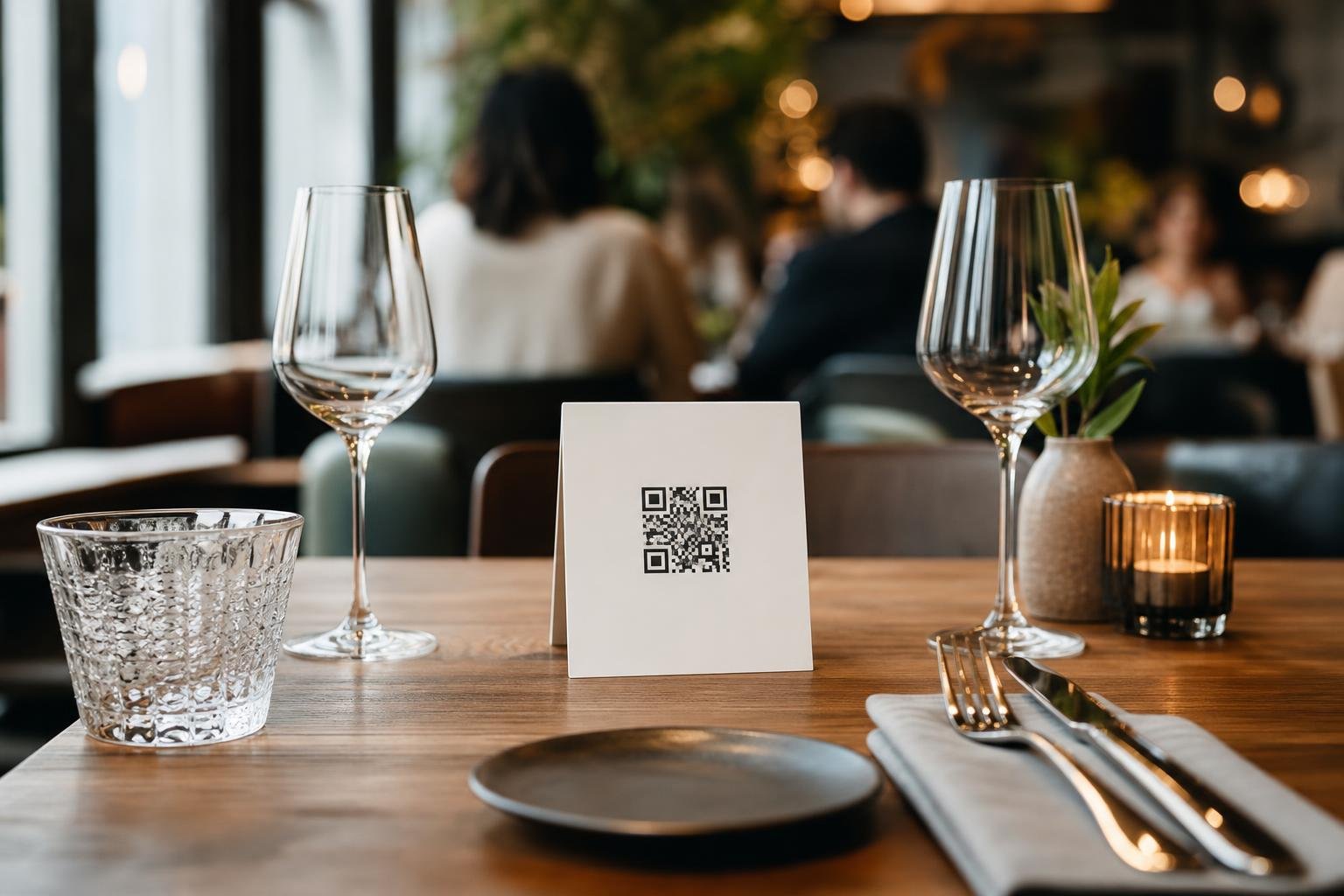
A reliable qr code generator for restaurants turns physical tabletops into instant, frictionless digital touchpoints. Instead of throwing away cash on paper reprints every time an ingredient runs out or seasonal dishes change, you give guests direct access to your latest offerings in one quick tap. It keeps your staff focused on hospitality and lets your kitchen make menu adjustments on the fly.
Why Modern Dining Demands Digital Menus
Diners expect speed and convenience the moment they sit down. Handing out sticky, laminated paper menus slows down your turnaround times, while clean tabletop codes let guests browse cocktails and appetizers before your waitstaff even reaches the table.
Running a hospitality venue also means facing volatile wholesale costs and rotating inventory. When prices shift or an 86'd special leaves the kitchen, paper forces you to strike out items with ink or swallow unnecessary print costs. Digital dining eliminates that friction entirely.
- Faster service: Guests browse immediately, cutting order latency during peak lunch and dinner rushes.
- Zero print waste: Swap dishes, correct typos, and adjust daily pricing without sending another batch to the print shop.
- Better guest experience: Present mouthwatering imagery, dietary labels, and allergy filters right on their personal devices.
Static vs. Dynamic QR Codes on Dining Tables
When you set up digital menus, the kind of code you choose makes or breaks your workflow. Static codes permanently bake a single web link or PDF file directly into the visual pattern. If that URL breaks or you switch menu providers, every printed sticker, acrylic stand, and coaster becomes obsolete.
That is why smart operators use Dynamic QR codes. With a dynamic code, the printed black-and-white pattern points to a flexible short redirect. You can reroute your lunch menu to dinner specials at 5:00 PM, or link directly to an online ordering portal on weekends, without ever changing the stickers on your tables.
| Feature | Static QR Codes | Dynamic QR Codes |
|---|---|---|
| Link Editing | Fixed permanently | Edit anytime online |
| Re-printing Required | Yes, for any menu URL change | Never |
| Scan Analytics | None | Tracks scans, times, devices |
| Target Destination | Single static link | Any URL, PDF, or ordering page |
| Table Life Span | Low (dies if link breaks) | Indefinite |
On-Brand Styling: Designing Codes Guests Want to Scan
A harsh, plain black square stuck to polished wood or crisp linen cheapens your dining room. To inspire trust, your table codes should match the visual identity of your dining room and collateral.
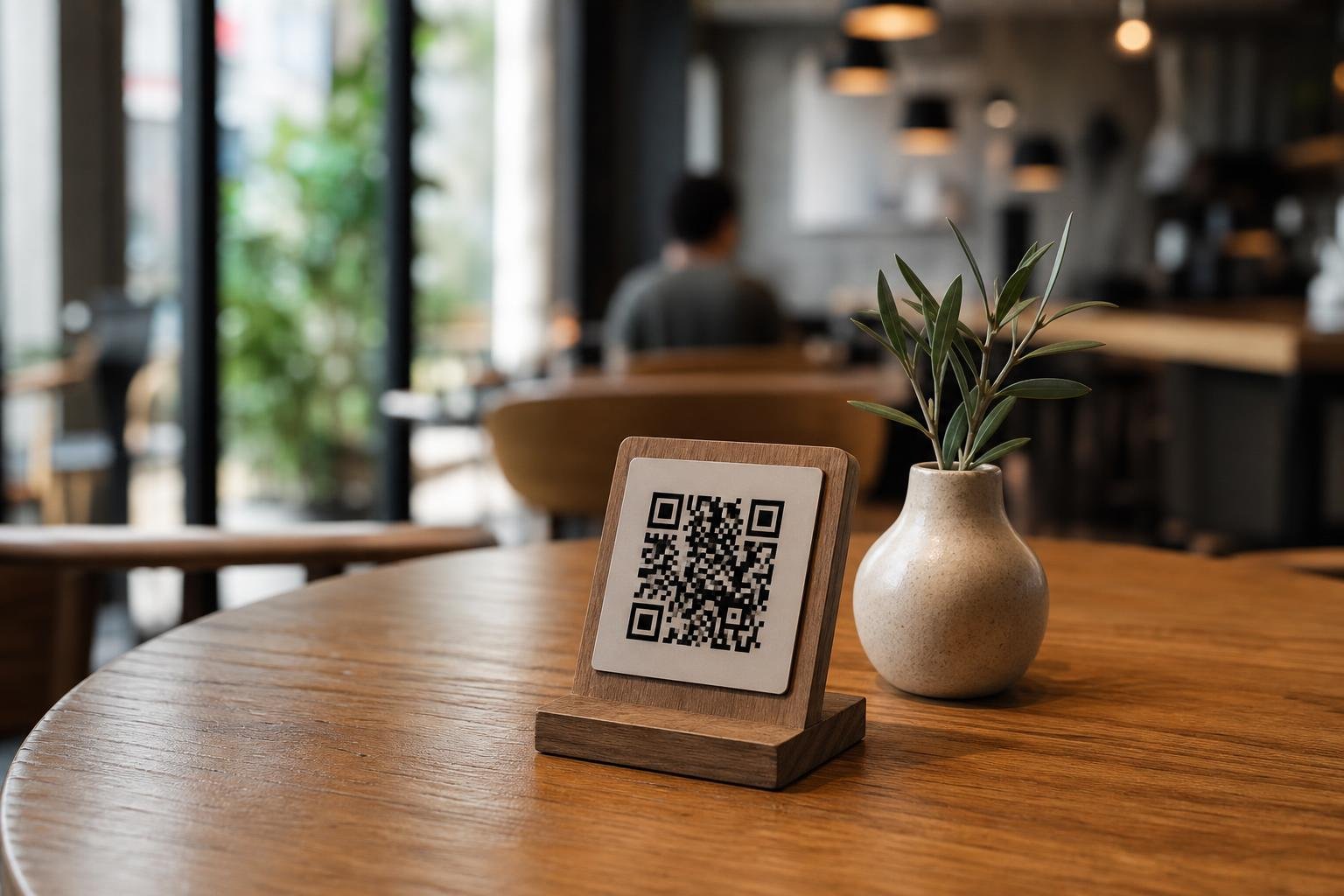
Our custom QR code design options let you incorporate your brand colors, embed your restaurant logo in the center, and add clear call-to-action frames like "Scan to View Menu" or "Scan for Today's Specials". Adding a frame removes confusion for less tech-savvy guests and nudges them to point their camera right away.
When downloading files for commercial print shops, always export your artwork as vector SVG or PDF files alongside high-resolution PNGs. Vector assets preserve pixel-perfect sharpness across table tents, window stickers, and massive outdoor curbside boards without blurring.
Unlocking Front-of-House Insights with Scan Analytics
Paper menus offer zero feedback. You know what sold at the register, but you never know how many diners considered an appetizer or checked the wine list before ordering tap water.
Using QR code analytics uncovers valuable operational metrics behind guest habits:
- Peak Scanning Hours: Pinpoint the exact minutes your dining room sees high engagement to align kitchen prep and floor staffing.
- Table & Section Performance: Set up unique codes per dining zone to see whether patio tables interact with menus as heavily as indoor bar stools.
- Device Breakdown: Check if guests scan on iOS or Android to optimize mobile layouts and checkout flows for the screens your customers actually use.
Understanding these scan trends helps you make smarter staffing decisions and test digital menu layouts that convert casual browsers into high-ticket orders.
Step-by-Step: Rolling Out QR Menus Across Your Restaurant
Setting up your digital menus takes only a few minutes from start to finish on Swoo.se. Follow this simple rollout plan to guarantee smooth service on day one.
1. Build and Host Your Digital Menu
Host your menu on your existing restaurant website, an interactive ordering platform, or a responsive hosted PDF file. Make sure it loads quickly on mobile connections and includes clear allergy and dietary markers.
2. Generate and Style Your Code
Head to our features page to select a dynamic URL code. Enter your menu link, apply your brand's color palette, embed your restaurant's logo, and frame it with a clear "View Menu" prompt.
3. Test on Multiple Devices
Before sending artwork to print, test scan the code from your computer screen using both an iPhone and an Android phone under different lighting conditions.
4. Print and Place Strategic Signage
Export in vector SVG format for your print shop. Mount durable acrylic stands, waterproof vinyl stickers, or engraved wood blocks on each table where they are visible without crowding diner plates.
Creative Applications Beyond the Standard Dinner Menu
Digital menus are only the starting point. Savvy food and beverage operators use versatile codes across multiple service touchpoints to drive revenue and guest loyalty.
- Tabletop Wi-Fi Access: Stop repeating network passwords. Print a Wi-Fi QR code so guests connect with a single tap.
- Direct Review Prompts: Place a Google Review code on the check presenter or payment slip, catching satisfied guests right as they finish dining.
- Happy Hour & Late-Night Portals: Point daytime diners to your reservation page, then switch destinations after hours to feature drink specials.
- Takeaway and Delivery Packaging: Put stickers on your to-go bags and cup sleeves linking back to direct online ordering so you can bypass high third-party delivery marketplace fees.
Frequently asked questions
Do guests need an app to scan a restaurant QR code menu?No extra app is needed. Nearly every modern iPhone and Android smartphone reads QR codes directly inside the native camera app, opening your menu in their default mobile web browser in a couple of seconds.
Can I change my menu prices without reprinting table stickers?Yes, as long as you use dynamic codes. Because Dynamic QR codes route through a flexible short link, you can update the destination website or upload a new menu file in your dashboard whenever prices or daily specials change.
What is the best print material for restaurant tabletop QR codes?Matte-laminated vinyl stickers, engraved acrylic blocks, and sealed wood stands work best. Avoid glossy surfaces directly under bright overhead dining lights, as heavy glare can make it harder for phone cameras to focus on the code.
Can I track which tables scan the menu most frequently?Yes. By generating a separate dynamic QR code for each table or section (like the bar, patio, and dining room), our platform lets you review scans by location to see which areas experience the highest engagement.