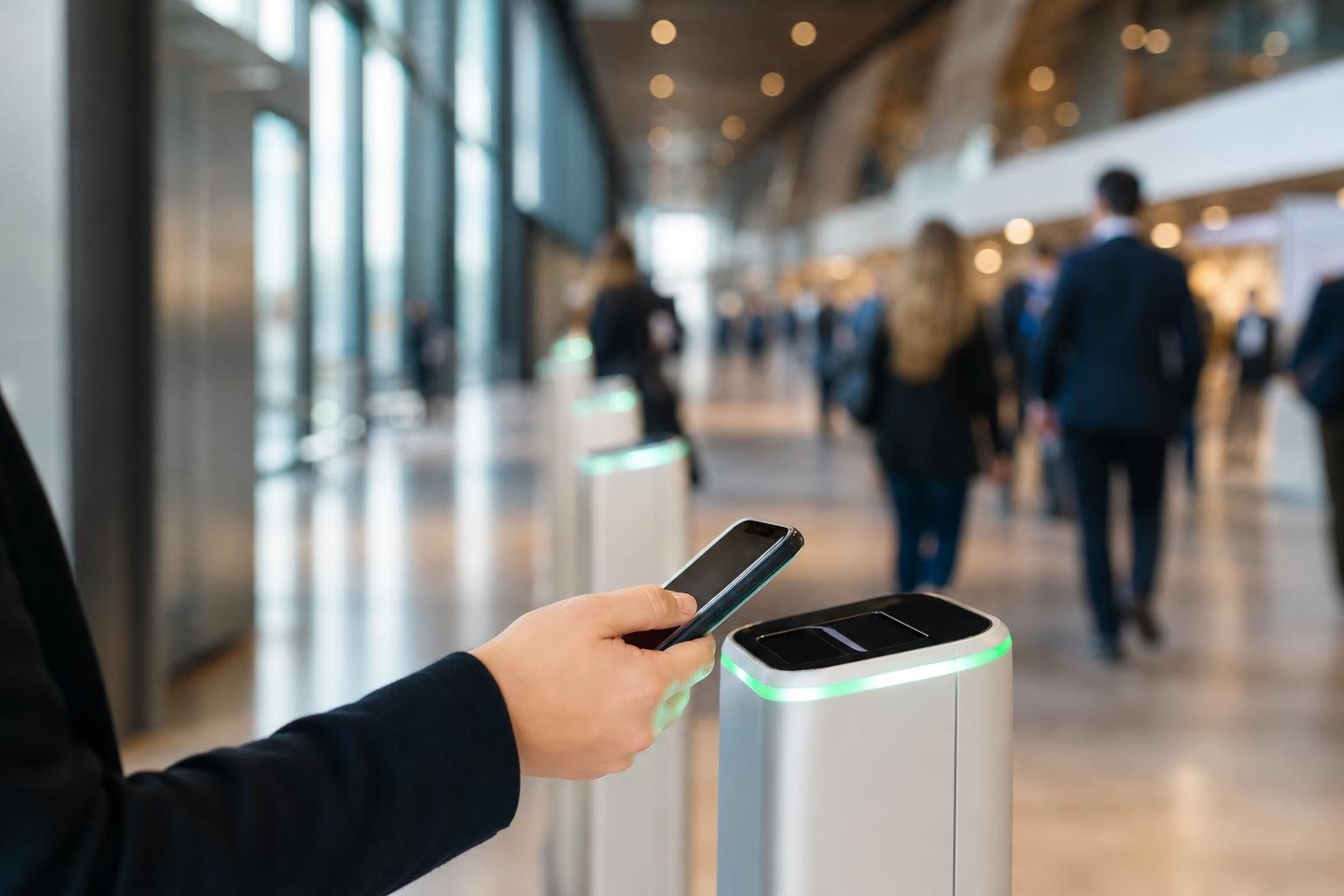
Long entrance queues and lost paperwork will ruin an event before it even begins. Choosing the right qr code generator for event tickets transforms check-ins into a frictionless process by turning every smartphone into a dependable ticket scanner. At Swoo.se, we help event organizers build reliable, trackable entry workflows that protect revenue and keep lines moving quickly.
Why Modern Event Management Relies on QR Code Tickets
Traditional paper stubs create endless administrative headaches. They rip, get left on kitchen counters, and take far too long to inspect at the door. Digital event passes solve these problems on contact. When a guest arrives, door staff need only a fraction of a second to verify entry.
Digital passes also cut out printing overhead. You can issue tickets instantly through email confirmations, SMS alerts, or mobile apps. When you use dynamic QR codes, you maintain direct control over the destination link behind each pass. If venue directions shift or door assignments change hours before showtime, your attendees always see updated information when they pull up their ticket.
Beyond speed, QR codes offer fraud protection. Paper passes can be photocopied repeatedly, but automated scanning flags duplicate entries the instant someone attempts a second scan.
Static vs Dynamic Codes: What Event Organizers Need
Choosing the right code format matters. A static code hardcodes fixed text or an unchangeable link directly into the pattern of squares. A dynamic code routes through a short URL, giving you full flexibility to modify the underlying link and monitor traffic over time.
For a deeper look into the technical trade-offs between formats, read our breakdown of dynamic vs static QR codes.
| Attribute | Static Ticket Codes | Dynamic Ticket Codes |
|---|---|---|
| Link Editing | Locked permanently once generated | Editable anytime without reprinting |
| Scan Analytics | No tracking data available | Full device, time, and location logs |
| Pattern Density | Gets complex with longer URLs | Clean, simple, and quick to scan |
| Best Use Case | Fixed text IDs for offline validation | Active digital tickets and schedule links |
| Error Recovery | Requires reissuing tickets | Fix destination errors instantly |
Designing Functional Tickets That Scan on the First Try
A ticket that fails to scan at the gate creates instant friction. High-contrast design is non-negotiable. Dark foreground elements on a crisp white background guarantee that camera sensors catch the locator corners without delay, even under dim evening lighting.

Always protect your quiet zone—the blank margin surrounding the code pattern. Crowding graphics or text right up against the edge confuses camera optics. You can easily incorporate event branding, logos, and custom color palettes using our custom QR code design options without sacrificing instant readability.
File format choices also matter during production:
- Vector formats (SVG, PDF): Essential for printed lanyards, festival badges, and entrance posters so edges remain sharp at any resolution.
- Raster formats (PNG): Ideal for email confirmations, digital passes, and smartphone wallet downloads.
Executing Smooth Door Check-Ins on Event Day
A flawless check-in operation requires smart door choreography. Start by separating attendee flows before guests reach the scanners. Direct VIP ticket holders, general admission, and staff into dedicated lanes.
Door staff do not need expensive proprietary hardware. Modern smartphone cameras handle rapid barcode detection natively. Keep entry staff briefed on basic troubleshooting steps: instruct guests to boost screen brightness, wipe smudged camera lenses, and hold their phones 15 to 20 centimeters away from the scanner.
Reliable connectivity is the backbone of live validation. While online validation instantly prevents duplicate use across multiple gates, always have an offline fallback roster ready on site in case local mobile networks become congested.
Using Scan Analytics to Improve Future Events
Your event workflow produces valuable operational intelligence. Every scan marks an exact timestamp and gate location. Reviewing this data lets you see precisely when peak rushes hit your doors, helping you schedule security and staff more accurately next time.
With comprehensive QR code analytics, organizers can track engagement spikes, attendee origins, and device types. Comparing attendance data against registration numbers highlights no-show rates and pinpoints drop-off patterns.
Whether you run single community workshops or recurring festivals, pairing dynamic QR codes with transparent post-event metrics removes guesswork from future planning. Explore our pricing plans to find the right scanning and tracking setup for your upcoming schedule.
Frequently asked questions
Can attendees scan QR tickets directly from their smartphone screens?Yes. Modern mobile cameras and handheld scanners read QR codes from smartphone screens instantly. Ask attendees to turn up their display brightness and keep their screens free of heavy glare for the quickest scan speeds.
How do QR code tickets stop guests from sharing duplicate passes?Your check-in scanning software checks each code against a central guest database in real time. The moment a ticket is scanned at the gate, its status changes to checked-in, automatically flagging any duplicate scans immediately.
What happens if an attendee's phone battery dies at the door?Always maintain a synchronized digital attendee list on door devices. Staff can quickly verify identity with government-issued photo identification or an order confirmation number to complete check-in manually without holding up the line.
Which export file format works best for printing physical tickets and wristbands?Vector formats like SVG and print-ready PDF work best. They scale to any badge, flyer, or wristband dimension without pixelation, ensuring scanner cameras can read the quiet zones and patterns cleanly every time.