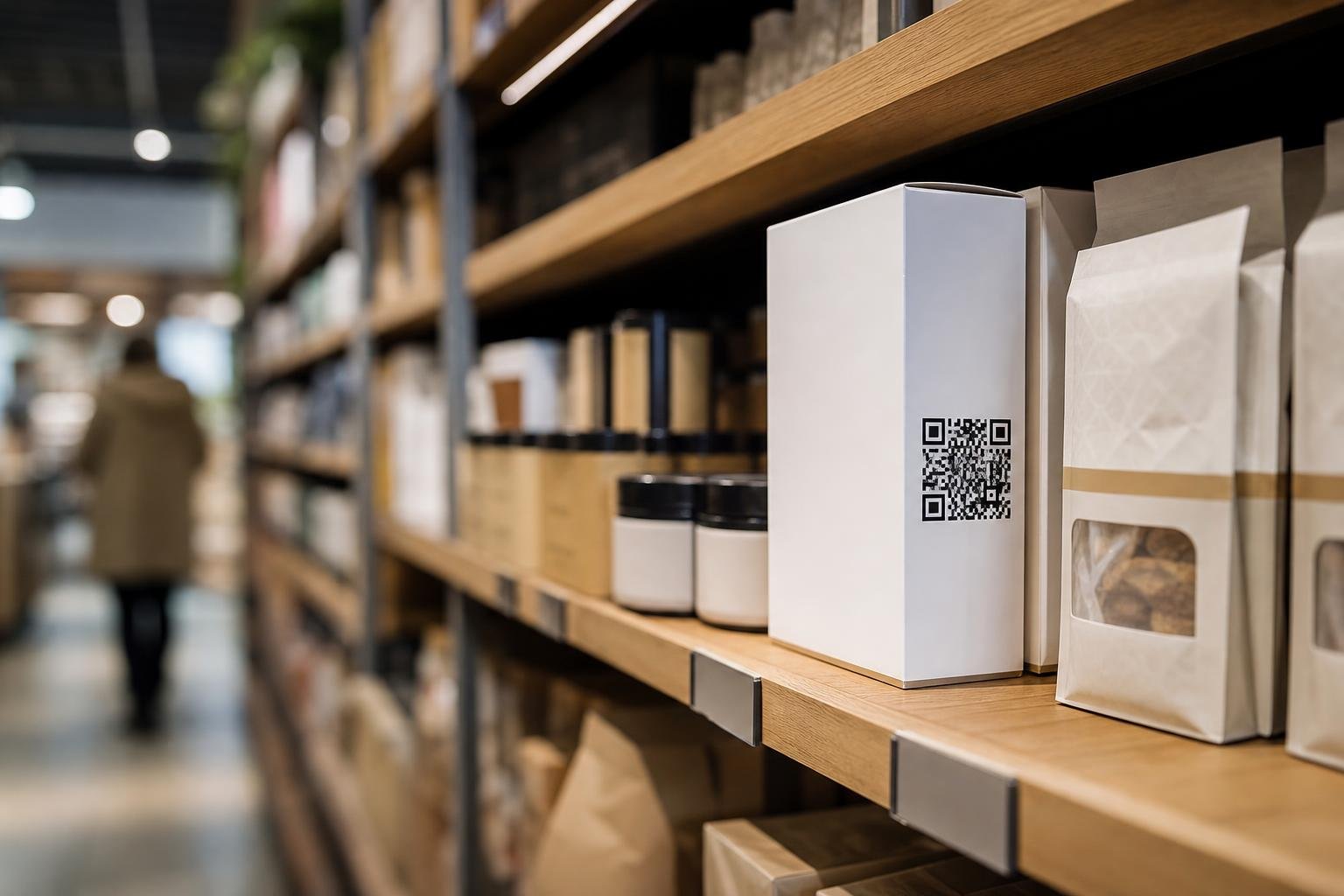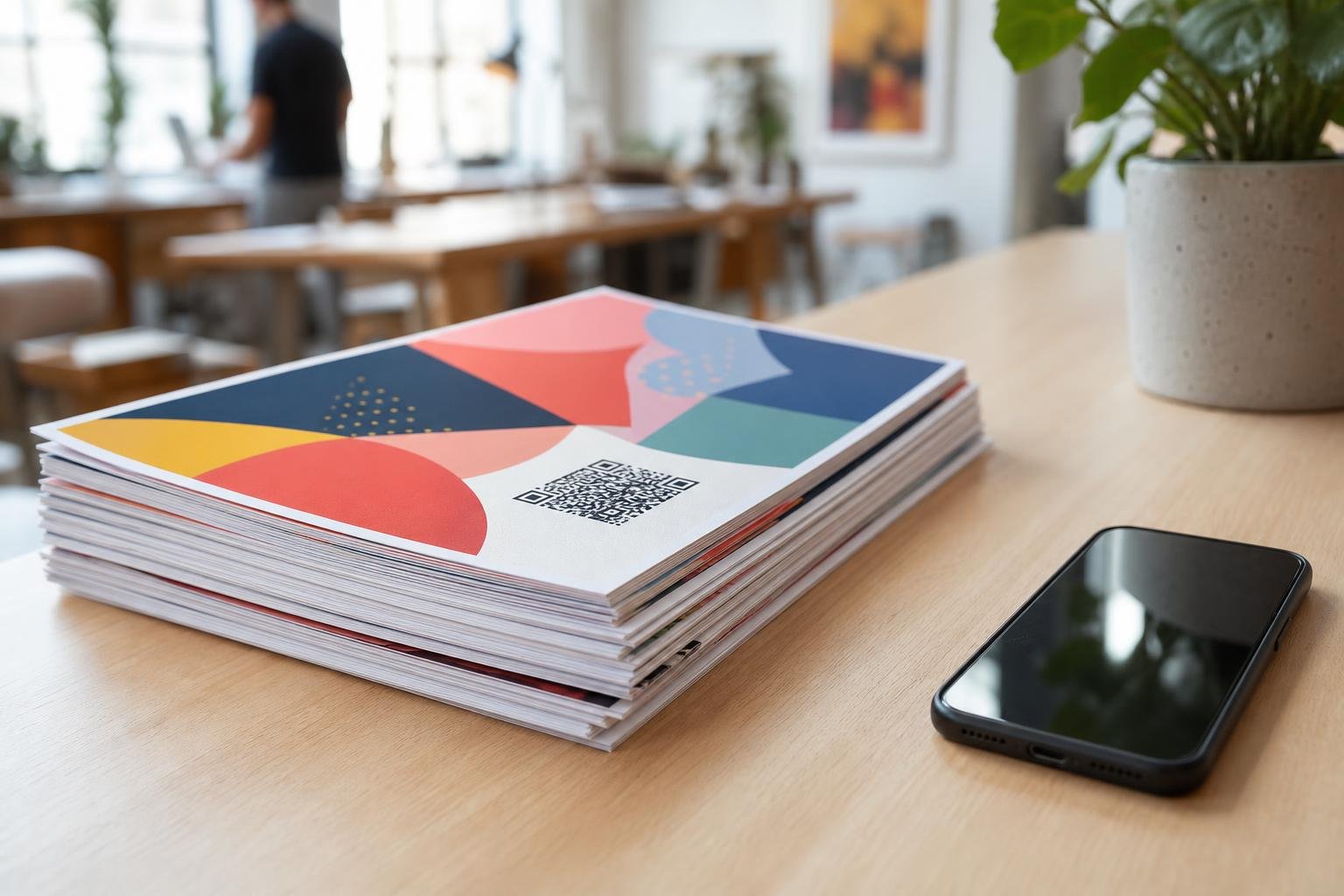
To create dynamic URL QR code campaigns that you can edit anytime, use a dedicated QR code platform instead of a standard static code generator. A dynamic setup sends scanners through an editable redirect link, meaning you can swap destinations whenever your campaigns shift. This flexibility lets you launch print materials instantly without worrying about broken links or future reprints.
Why Dynamic URL Codes Beat Standard Static Links
When you generate a basic static QR code, the final web address gets baked directly into the pixel pattern. If that URL changes or contains a typo, the code breaks permanently. Every flyer, business card, or product box featuring that code immediately becomes useless waste.
Dynamic URL QR codes solve this problem completely. The black-and-white grid stores a short redirect link managed by your platform. When someone points their camera at the code, the platform forwards them instantly to your target website, online store, or restaurant menu.
Because the data pattern only holds that short link, the design stays clean and uncluttered. Dense static codes with long tracking URLs can become unreadable at small sizes, but dynamic codes remain easy to scan anywhere.
Static vs Dynamic URL QR Codes: A Direct Comparison
Deciding which code fits your project comes down to whether your destination, packaging, or tracking needs will ever change.
| Feature | Static QR Code | Dynamic URL QR Code |
|---|---|---|
| URL Editing | Permanent, cannot be changed | Editable anytime from your dashboard |
| Scan Tracking | None | Real-time counts, locations, and devices |
| Pattern Density | Gets dense with long URLs | Stays clean and minimal |
| Best For | Wi-Fi passwords, personal vCards | Marketing, packaging, menus, and events |
| Reprint Risk | High if links break | Zero reprint costs for URL changes |
For a deeper look into technical differences, read our guide on dynamic vs static QR codes.
Step-by-Step: How to Create a Dynamic URL QR Code
Setting up an editable URL code takes less than two minutes on Swoo.se. Here is the straightforward process:
- Choose your destination link. Grab the full URL of your landing page, digital brochure, or registration form. Make sure it loads correctly in an incognito window.
- Select the dynamic URL type. Head to our platform and choose the URL option under dynamic QR codes. This automatically assigns your code an editable redirect path.
- Paste your link. Insert the web address into the destination field. You can also attach campaign tracking parameters like UTM tags.
- Customize the appearance. Apply brand colors, insert your company logo, and pick an inviting call-to-action frame.
- Download the file. Export the artwork in the right format for your project, such as vector SVG for print shops or high-res PNG for web use.
Customizing Your QR Code for Better Scan Rates
Plain black-and-white squares work, but custom designs earn significantly more scans. People scan what they notice and trust. A bare code on a table tent or poster often gets overlooked as a technical utility rather than an invitation.
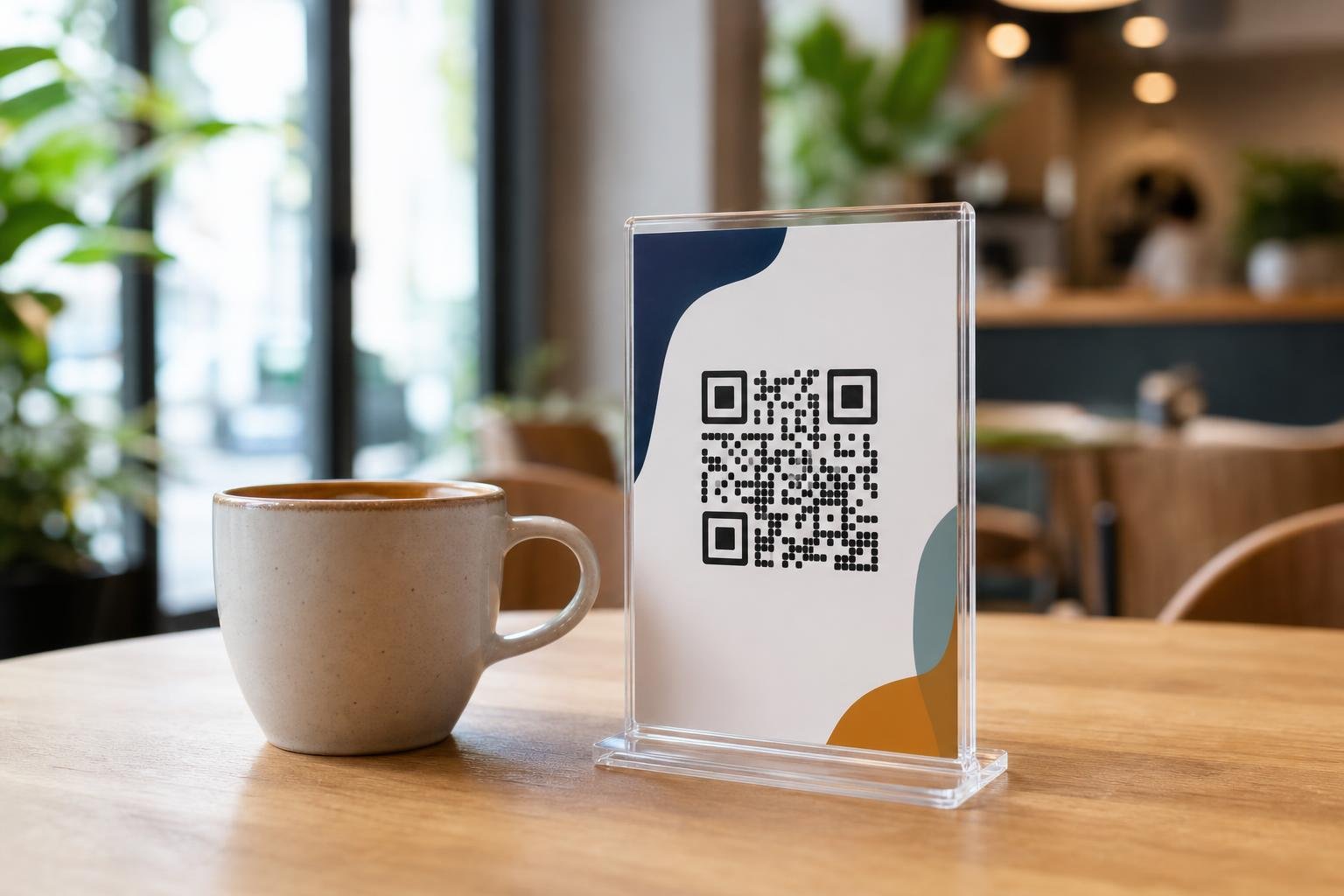
Start by incorporating your brand colors into the pattern while maintaining high contrast. Dark foregrounds against clean, light backgrounds scan reliably across both budget smartphones and flagship cameras. Avoid light yellow or pale gray dots on white surfaces.
Next, place your brand logo right in the center. Modern QR protocols include error correction, which reconstructs missing data even when a logo covers up to 30% of the graphic. Finally, add a clear frame that says "Scan for Menu" or "Tap to View Catalog" to tell people exactly what reward awaits them on the other side.
Tracking and Measuring Scan Performance
Once your dynamic URL QR code hits the real world, tracking unlocks visibility into your audience. Instead of guessing how many flyers converted into visits, you can review concrete data inside your dashboard.
Platforms with built-in QR code analytics show you total scans alongside unique visitor numbers. You can see peak scanning times throughout the day, which helps restaurants optimize dining hours or retail shops align weekend promotions.
Geographic reporting shows the countries and cities where scans occur. You also get device breakdown data showing whether your scanners use iOS or Android. That technical insight ensures your development team builds landing pages that render smoothly on the exact screens your customers carry.
Best Practices Before You Send to Print
Nothing hurts a marketing budget faster than discovering an unreadable code across thousands of finished brochures. Follow these practical rules before submitting your files:
Size for Distance
Follow the 10:1 scanning ratio. If someone scans your code from 10 inches away on a flyer, print the code at least 1 inch (2.5 cm) wide. For a window sign scanned from five feet away, scale the graphic up to at least 6 inches across.
Pick the Right File Format
Use vector files like SVG or PDF for commercial printers. Vectors scale up to billboard proportions without blurring edges. For digital documents, email footers, or simple home office printing, a high-resolution PNG works well.
Run the Multi-Phone Test
Test your code under different lighting conditions using both older budget phones and newer flagship models. Test native camera apps as well as built-in browser scanners. Once you confirm it opens swiftly, you can print with total confidence.
Frequently asked questions
Can I change the destination URL after the QR code is printed?Yes. When you use dynamic QR codes, you can change the target URL inside your dashboard at any time. The physical code printed on your flyers, business cards, or packaging remains exactly the same while pointing scanners to your new link instantly.
Will my dynamic URL QR code expire?Dynamic QR codes stay active as long as your account remains in good standing. Because the code redirects through a short link service, maintaining your active subscription keeps the redirect path running smoothly without scan limits.
What is the best export format for professional printing?Always choose vector formats like SVG or print-ready PDF for professional print runs. Vectors never lose sharpness or pixelate at large sizes, ensuring your print shop can resize the code freely for everything from business cards to billboards.
Do people need a special app to scan dynamic URL codes?No. Modern iOS and Android smartphones have QR scanners built directly into their standard camera apps. Users simply open their camera, point it at your code, and tap the notification link to open your webpage.