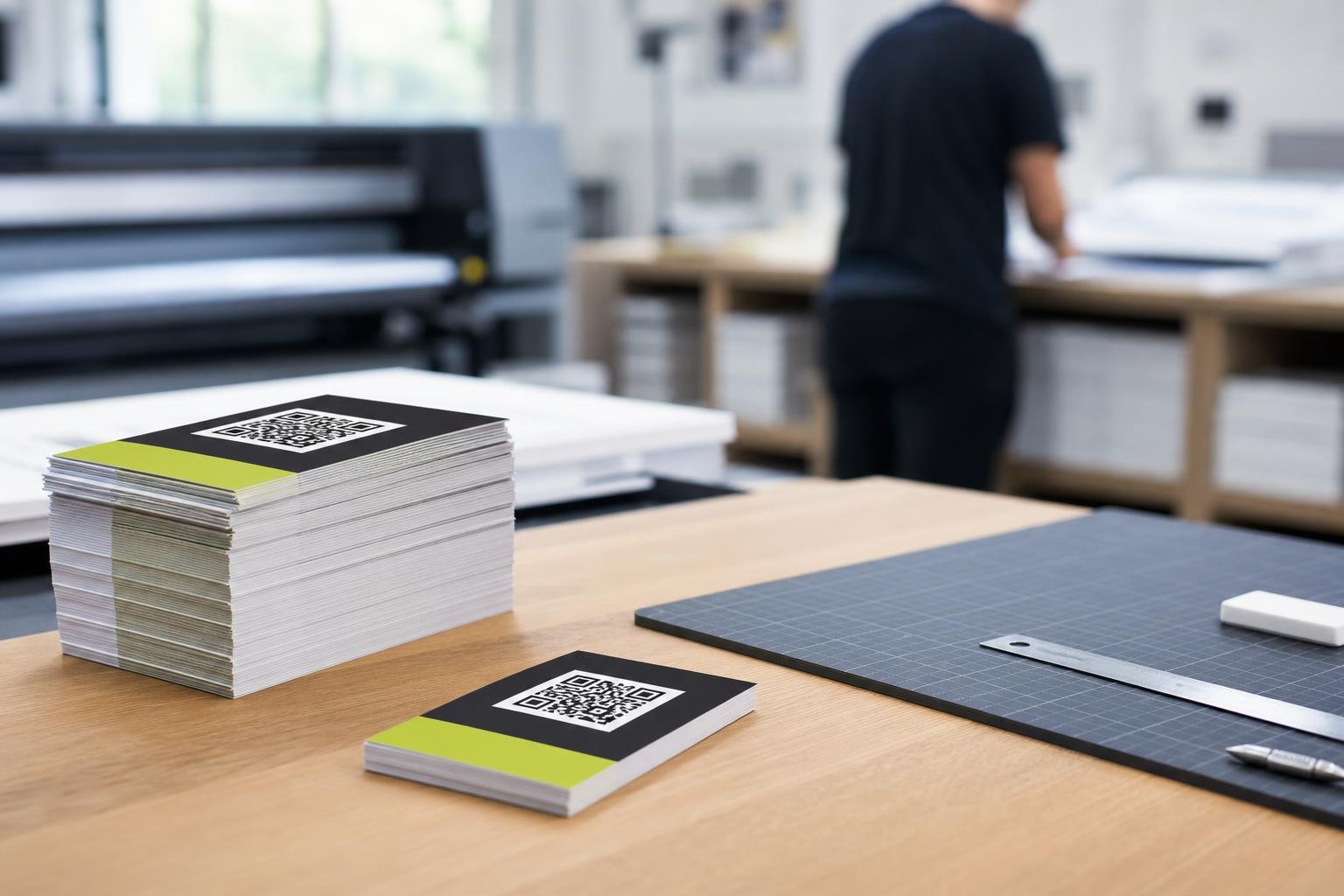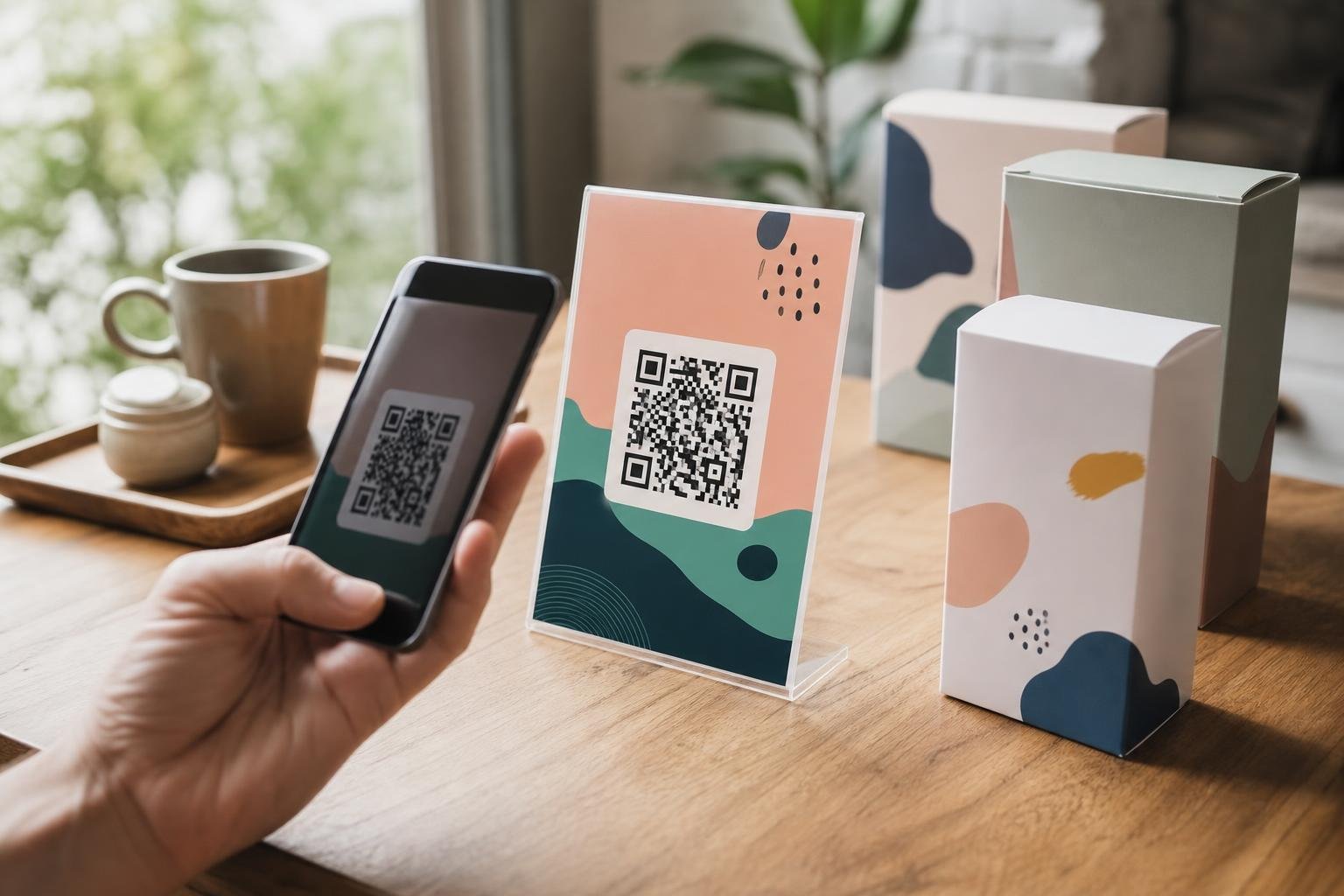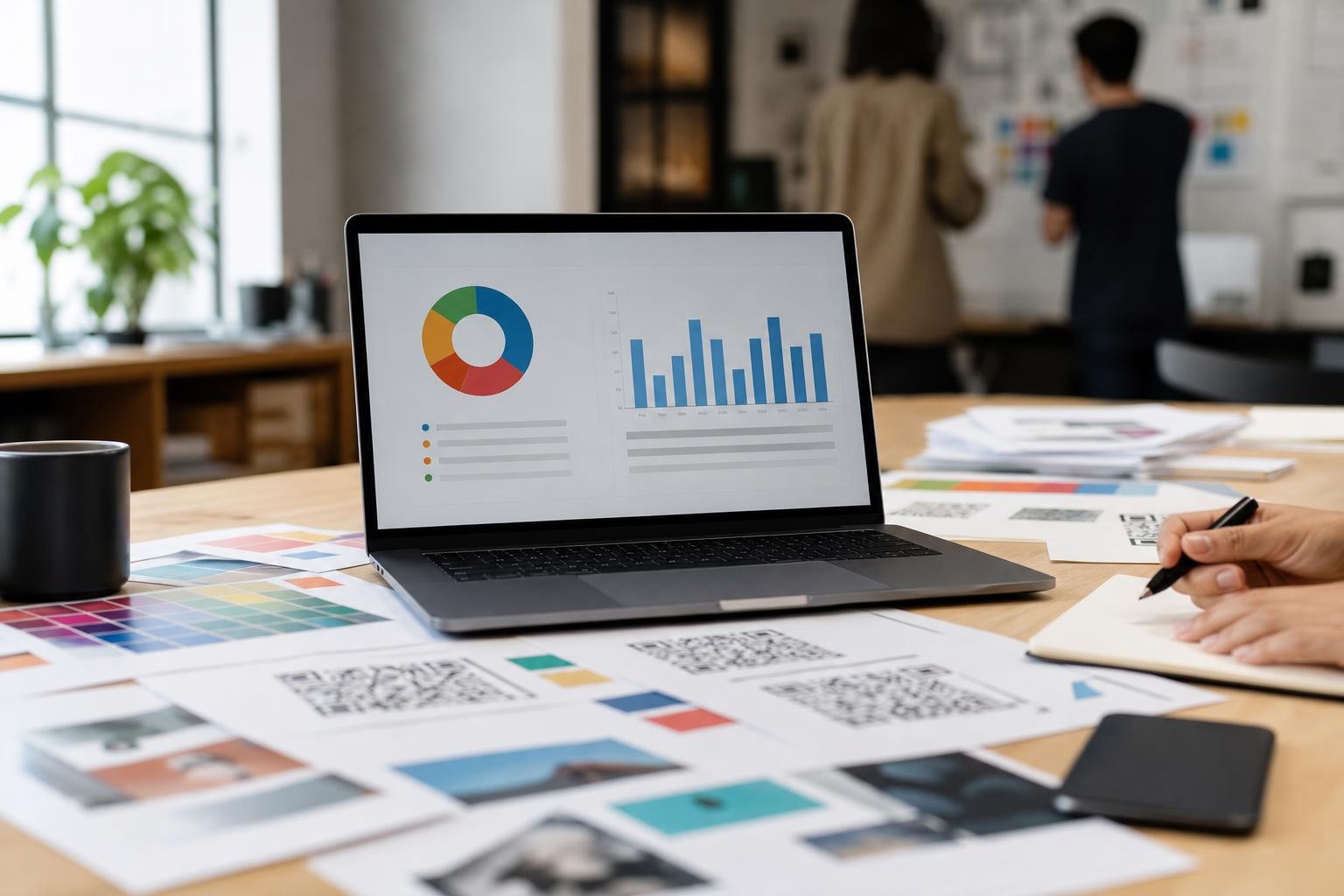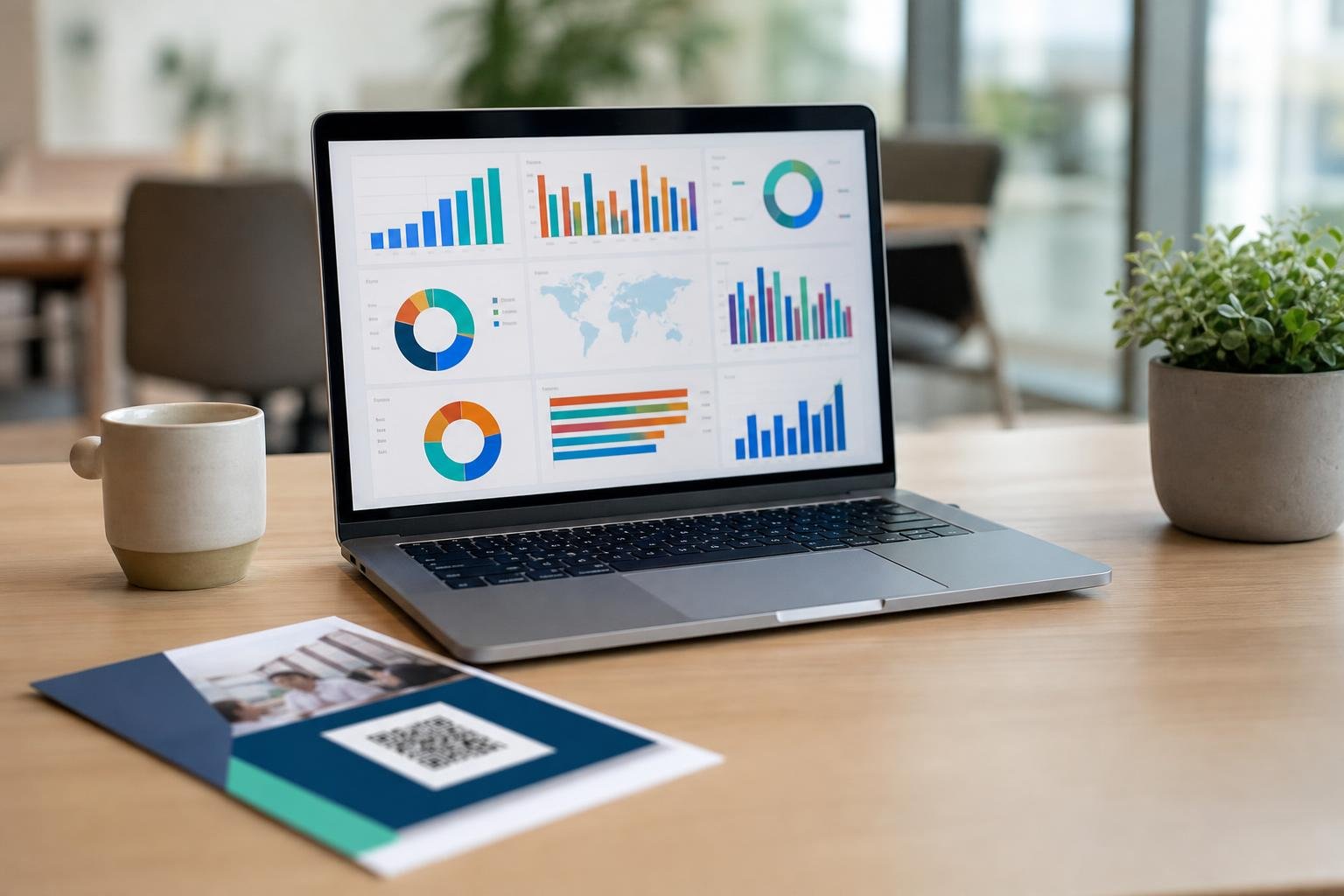
A modern qr code analytics dashboard turns real-world interactions into clear, measurable data. Instead of wondering whether your print flyers, product packaging, or restaurant tables actually drive engagement, you see every scan the moment it happens. At Swoo.se, we build our reporting tools to deliver quick, practical answers so you can make confident decisions without sifting through bloated spreadsheets.
Why Built-In Scan Metrics Matter
Print marketing used to be a guessing game. You sent out thousands of flyers, put stickers on packaging, or handed out brochures, hoping for results. When sales bumped up, you guessed why. If nothing happened, you had no clue where things went wrong.
Adding tracked codes changes everything. The moment a customer points their phone camera at your code, your dashboard records the event. You see whether people interact during their morning commute, browse your digital catalog while standing inside your store, or check your drink menu late on a Friday night.
Best of all, tracking scan data lets you evaluate offline material using the same precision you expect from online ads. You can measure real-world foot traffic, test different calls to action, and stop wasting budget on print runs that fail to connect with your target audience.
The Core Metrics on Your Dashboard
Opening your metrics screen should never feel like decoding a math puzzle. At Swoo.se, we focus on the numbers that drive practical campaign decisions. Here are the core metrics you will encounter:
- Total Scans: The raw count of every single scan. If one loyal customer scans your restaurant menu five days in a row, that counts as five total scans.
- Unique Scans: The number of distinct individual devices that scanned your code. This tells you the true size of your audience.
- Geographic Data: The countries and cities where scans occur. This pinpoints regional interest and tells you where distribution works.
- Operating System and Device Type: Whether your scanners use iOS, Android, or desktop platforms. This informs your mobile web design.
- Time and Day Patterns: Hourly and daily scan curves that highlight peak interest periods.
To see how these data points compare and what they tell you about user behavior, look at how the primary metrics function side by side:
| Metric | What It Measures | What It Tells You |
|---|---|---|
| Total Scans | Every scan attempt recorded | Overall volume and repeated engagement |
| Unique Scans | First-time scans by distinct devices | Reach and new visitor discovery |
| Scan Location | City and country IP data | Regional campaign effectiveness |
| Device & OS | Handset hardware and platform | Mobile screen and checkout optimization |
| Time of Day | Hour-by-hour scan spikes | Best times to run promotions |
Total vs. Unique Scans: Spotting Real Engagement
The gap between total scans and unique scans reveals user intent. Neither number tells the whole story on its own, but reviewing them together gives you immediate clarity.
Imagine you place a code on a retail shop window to share an in-store discount coupon. If your dashboard reports 600 total scans and 550 unique scans, your campaign is reaching hundreds of new shoppers, but few people return to scan twice. That is normal for an introductory coupon.
Now consider a restaurant menu code. If your dashboard shows 1,200 total scans across 300 unique visitors, your diners love returning to the menu throughout their meal. They scan when seated, scan again to order extra drinks, and scan at the end to review desserts. If your unique scan count stays flat while total scans climb, you have built high user retention.
Using Location and Device Data for Better Campaigns
Geographic analytics show you where physical marketing works in the wild. If you distribute promotional flyers across three neighboring towns, your city-level scan data reveals which town responds fastest. You can double down on high-performing neighborhoods and pull back on quiet areas before printing your next batch.
Device data is just as valuable. When someone scans a code, their phone shares its mobile operating system. If 80% of your scans come from iPhones, your landing page must work flawlessly on Safari and iOS. If Android leads the pack, test your checkout flows on Chrome for Android first.
Our built-in QR code analytics make these details instantly accessible, grouping device types, operating systems, and cities into clean visual breakdowns. When you understand your audience's hardware and habits, you can build landing pages that load instantly and convert effortlessly.
Dynamic Codes: The Engine Behind Live Reporting
Tracking only works when you use dynamic QR codes. A standard static QR code hardcodes the target web address directly into its black-and-white grid pattern. Once printed, a static code cannot route visitors through a tracking server or update its destination.
Dynamic codes work differently. They send the scanner through a rapid, secure redirect link hosted on Swoo.se before landing on your final page. This brief hop logs the scan timestamp, device OS, and approximate location before sending the user onward in the blink of an eye.
Because dynamic codes rely on an editable short link, you can change your campaign target whenever you want. You can swap an expired seasonal flyer to promote a summer clearance, update a restaurant menu PDF, or fix a broken URL without reprinting a single sheet of paper. To see how dynamic links keep print materials flexible over time, review our guide on editable QR codes for print materials.
Turn Your Scan Data into Smarter Business Actions
Data is only helpful if you use it to adjust your operations. Once your codes collect scans, use your findings to run clean marketing experiments across your business.
A/B Test Your Physical Placements
Print two separate dynamic codes with different calls to action. Place one near your checkout counter and one in your shop window. Give each code a unique label in your dashboard. Check your numbers after two weeks to see which sign captured more attention.
Time Special Offers to Match Scan Surges
Watch your hourly scans. If you run a cafe and your scans surge between 7:30 AM and 9:00 AM, that is your golden window. Schedule flash breakfast discounts or launch a morning loyalty perk right when customer intent hits its daily peak.
Pair Print Scans with Web Goals
Add UTM parameters to your destination URLs before generating your codes. While your Swoo.se dashboard tracks the initial physical scan, your web analytics tool can track what users do next—whether they submit a form, download a guide, or buy a product.
Frequently asked questions
Can I track scans from a static QR code?No. Static QR codes encode the destination URL directly into the pixel pattern. Because they do not pass through a redirect server, they cannot record scan counts, device types, or locations. You must create dynamic QR codes to track metrics.
Does my analytics dashboard display personal scanner information?No. Modern QR tracking tools respect privacy laws. Dashboards record high-level data such as device operating systems, general city or country locations derived from IP addresses, and timestamps. They never capture personal phone numbers, names, or street addresses.
Why do my dashboard scans differ from Google Analytics pageviews?Scan counts and pageviews measure different moments. A QR scan records the physical camera trigger. If a scanner loses internet connection before the landing page loads, or if they close the browser tab immediately, your web analytics platform may miss the visit even though the scan succeeded.
How fast does scan data appear in the dashboard?Scans appear in real time. The moment a user scans your code, the redirect server registers the scan event, updates your total and unique counts, and logs device details on your screen within seconds.