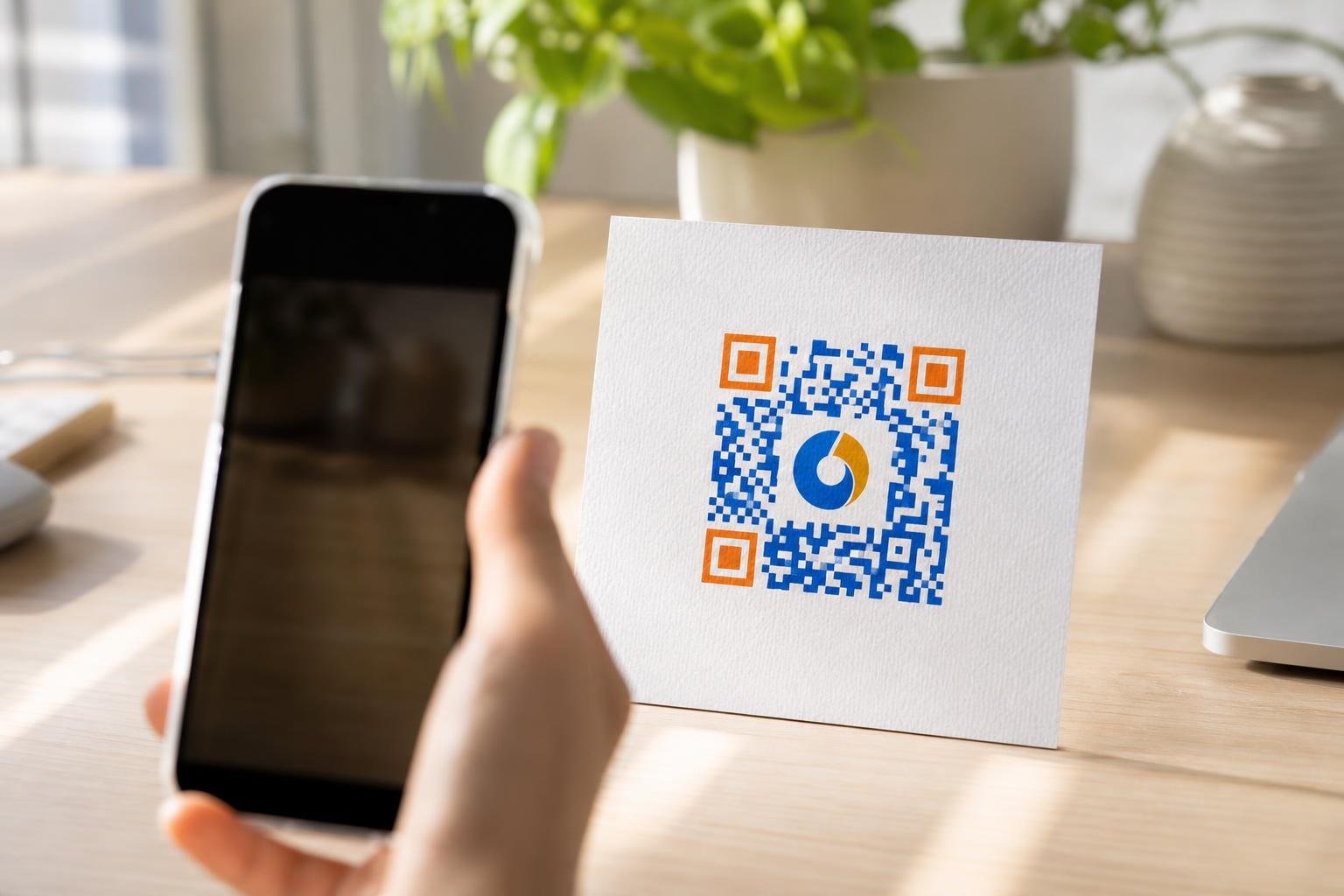
Black-and-white pixel boxes blend into the background and kill your scan rates. When you need a reliable custom logo qr code generator, you want a tool that matches your brand colors, drops your logo right in the center, and still scans instantly every single time. At Swoo.se, we give you the tools to turn a boring square into a branded asset that customers actually want to scan.
Why Standard QR Codes Fail Your Brand
Standard codes look like every other digital barcode on the street. People ignore them because they lack context, personality, and visual trust. If a customer cannot see your brand identity inside the code, they hesitate to pull out their phone. You lose out on engagement simply because your code looks generic or untrustworthy. Building a memorable experience starts with visuals that reflect your actual business. A naked black-and-white grid misses the chance to reinforce your logo right at the point of interaction.
What Makes a Great Branded Code
Design freedom means nothing if the code stops working. High contrast is your best friend when styling a code. Always keep your foreground darker than your background. Quiet zones matter too. Leave a clear white border around the perimeter so phone cameras can lock on without interference. Error correction acts as your safety net. Higher error correction levels let you overlay your brand assets without breaking the scannability of the underlying data pattern. You do not have to compromise on aesthetics to get reliable performance from our platform.
Step-by-Step Design Workflow
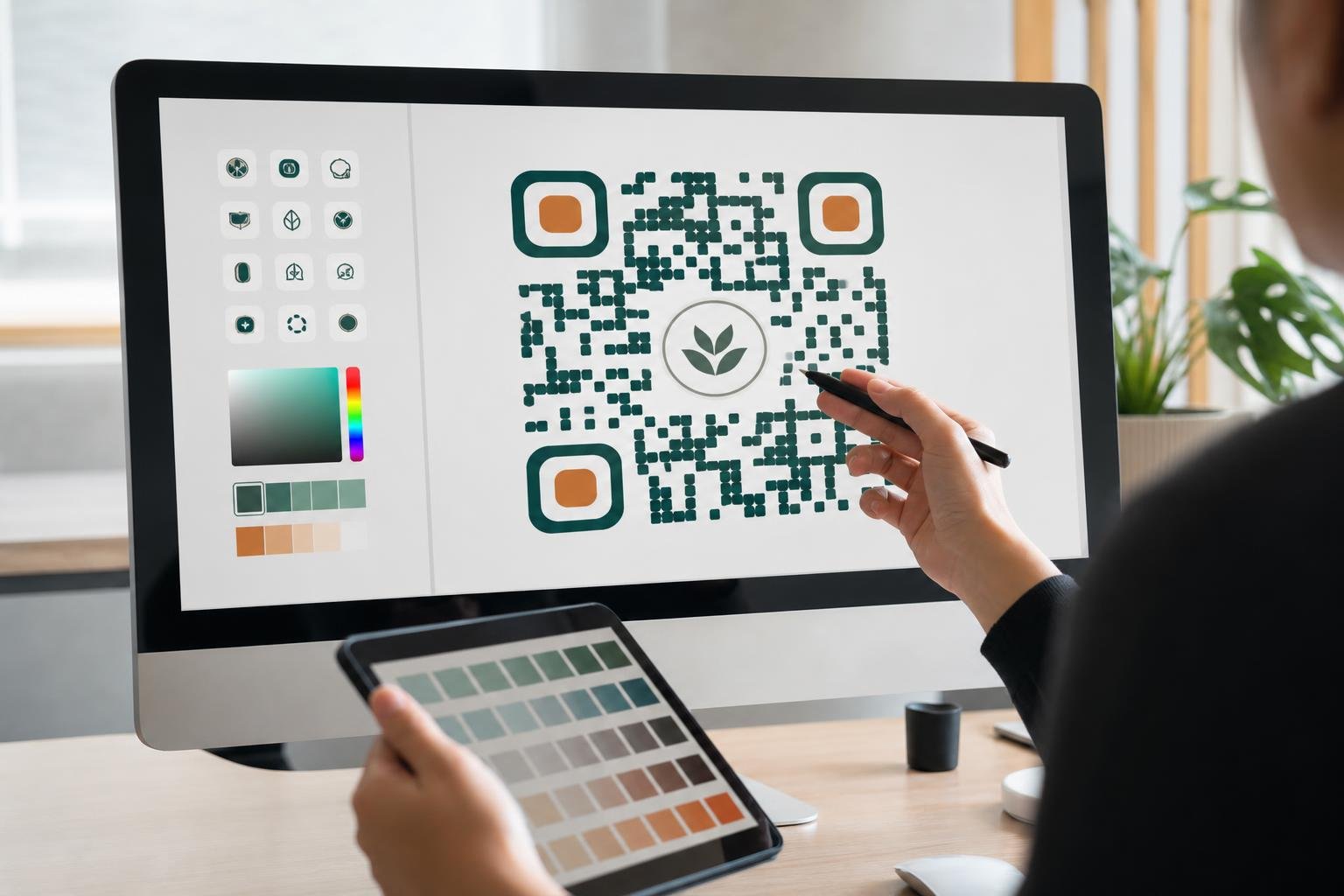
Jumping into the process takes seconds once you know your goal. Here is how you build a high-performing code using our Custom QR code design tools without any design background required.
- Choose your destination: Paste your link, menu, or file URL into our generator dashboard to get started.
- Upload your logo: Drop in a clean PNG or SVG file of your company icon to sit in the center of the grid.
- Style your frames: Pick custom eye shapes, corner styles, and frame callouts like 'Scan Me' to grab attention.
- Test automatically: Run our built-in scan test to guarantee phones read the code immediately without errors.
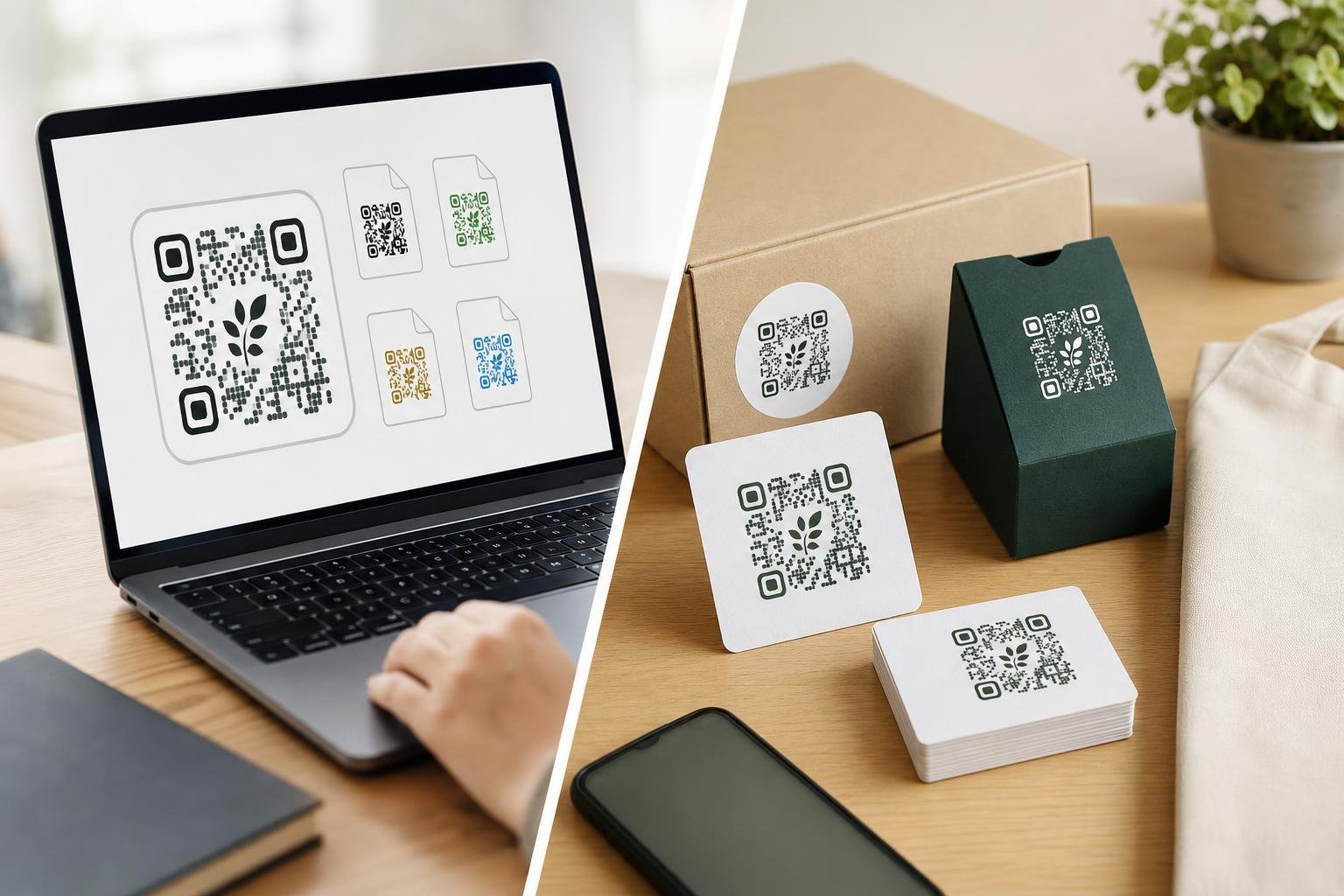
- Export your files: Download vector or high-resolution image files ready for print or web deployment.
Where to Deploy Your Branded Codes
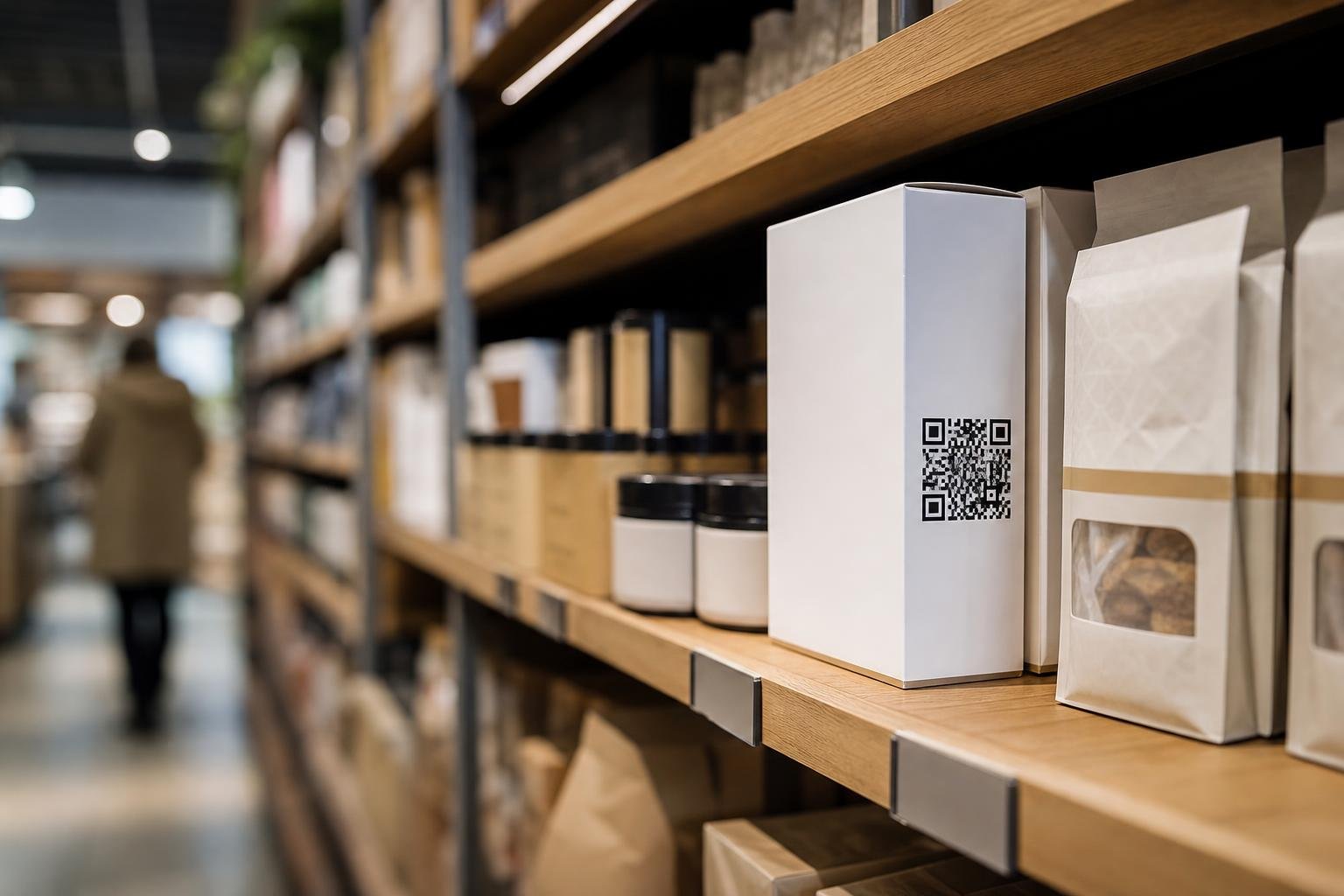
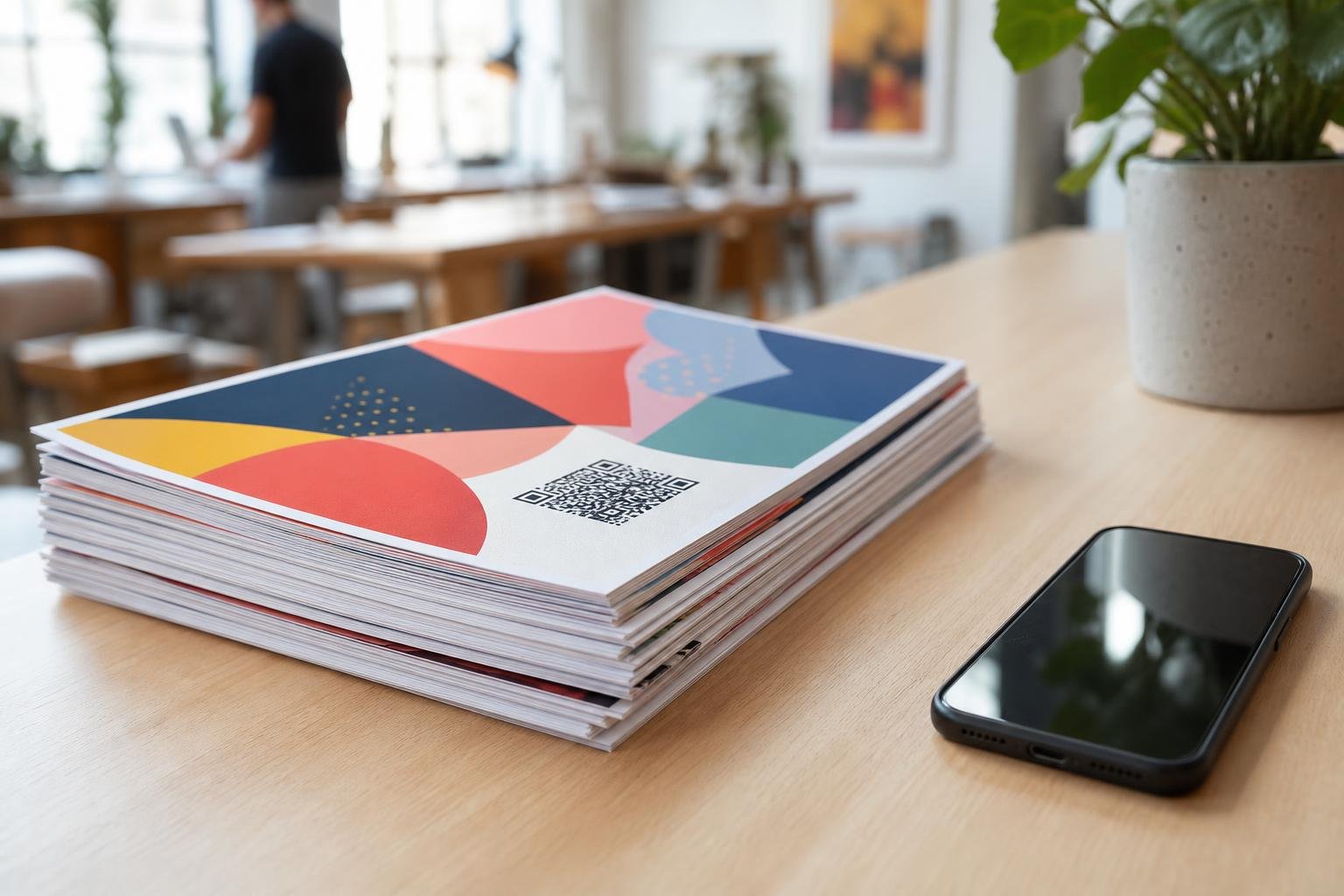
Different business models demand different formats, sizes, and physical placements to maximize overall engagement. Retail shops slap vibrant codes on product packaging, loyalty cards, and storefront window stickers to catch foot traffic. Restaurants print table tents featuring dynamic restaurant menu links so hungry diners can browse dishes and order straight from their seats. Event organizers add large-format vector codes to entry wristbands, lanyards, and hanging stage banners for quick check-ins. Fitness centers and real estate agents also utilize these versatile assets on flyers and yard signs. No matter your industry, matching your code style to your physical environment drives more interaction.
Keep Your Links Editable After Printing
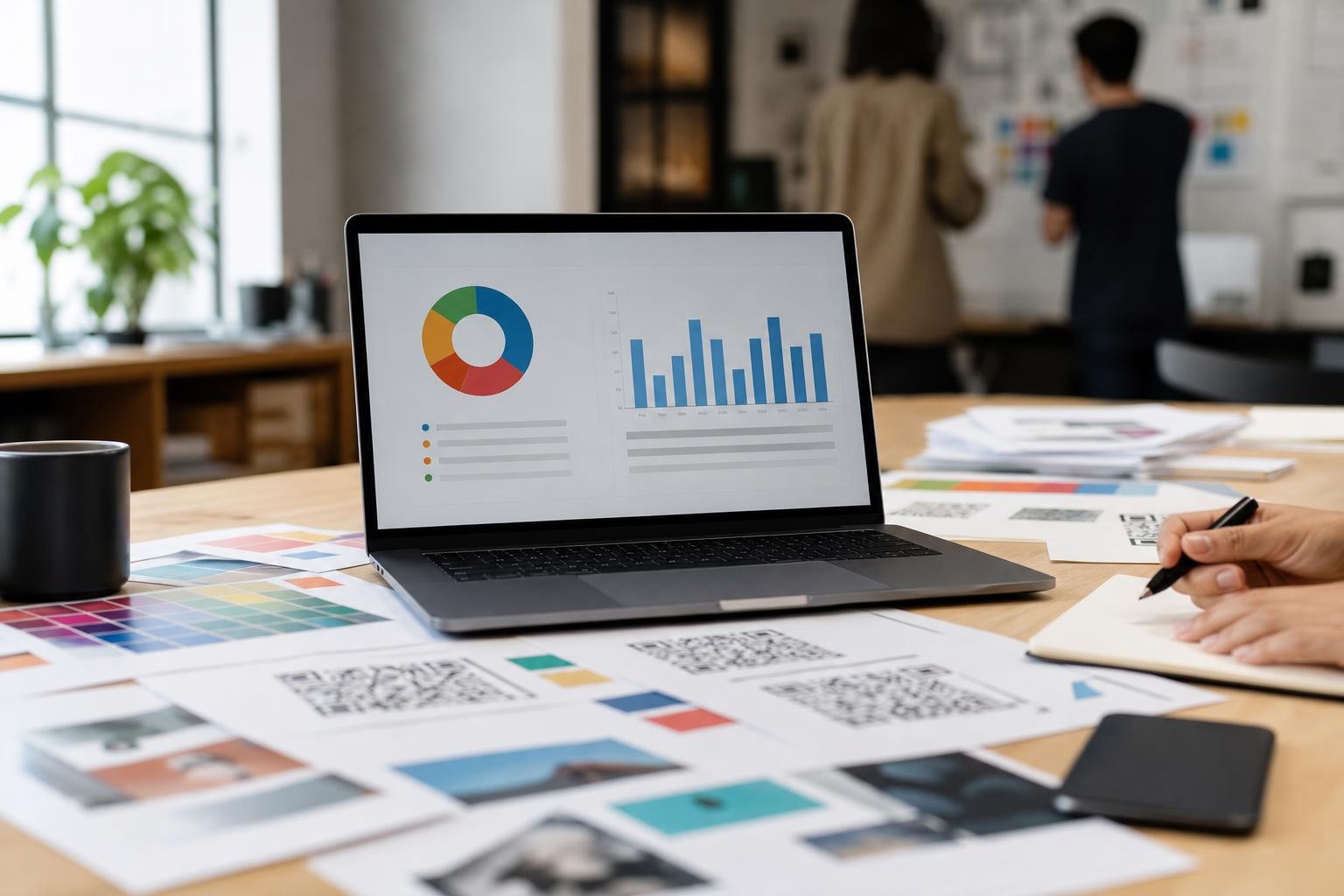
Printing physical marketing materials costs real money and ties your hands if information changes. If your target URL, promotional offer, or schedule changes tomorrow, you do not want to trash a thousand printed flyers or waste expensive packaging. Using Dynamic QR Codes lets you update the underlying destination link whenever you want. Your printed code stays exactly the same on paper, while the digital redirect route changes instantly behind the scenes. Pair this flexibility with our robust QR Code Analytics suite to track total scans, unique visitors, device types, and geographic locations in real time, helping you measure your campaign success accurately.
Comparing Code Generation Options
When you weigh your options for creating codes, look at what you get out of the box and how it impacts your long-term campaigns. Basic generators offer a quick fix, but professional platforms provide the infrastructure needed for growing businesses, retail shops, and marketing agencies. Here is how static generators stack up against our professional platform across key features.
| Feature | Basic Static Generators | Swoo.se Platform |
|---|---|---|
| Edit Destination | Impossible after print | Instant updates anytime |
| Scan Analytics | None | Full device and location tracking |
| Logo Integration | Rare or basic | Advanced design tools & frames |
| File Formats | PNG only | PNG, SVG, PDF vector files |
| Scan Limits | Often restricted | Unlimited scanning freedom |
Frequently asked questions
Will adding a logo stop my code from working?Not when you use the right settings. Our platform applies error correction automatically and tests readability before you export, ensuring phones can still read the code through your logo.
Can I change the link destination after I print my codes?Yes, absolutely. By using dynamic codes from Swoo.se, you can update the destination URL anytime without reprinting your flyers, menus, or packaging.
What file formats can I download for print production?You can export your finished designs in high-resolution PNG, scalable SVG, and print-ready PDF formats to fit everything from business cards to massive billboards.
Do I need to pay per scan or deal with scan limits?Never. We believe in open access, meaning your printed codes will never expire or stop working due to arbitrary scan caps.