If you need a flexible qrcode monkey alternative to run marketing campaigns, you have likely run into the limits of static designs. While simple tools generate static images well, modern teams need the power to edit destination URLs after printing and track every interaction. We built Swoo.se to give you total control over dynamic links without hidden fees or complex dashboards.
Why Look Beyond Traditional Static Generators?
QRCode Monkey is well known for generating free static QR codes with decent visual customisation. You pick a color, insert a small logo, and download a basic file. That setup works fine for a personal project or a one-off Wi-Fi network share.
The friction begins the moment you run a business campaign. Static QR codes encode the destination URL directly into the pixel pattern. Once that flyer, product label, or banner leaves the print shop, your link is permanently locked.
The Real Risks of Static Links
- Broken print runs: A typo in your URL ruins thousands of printed brochures.
- Zero campaign data: You cannot see whether ten people or ten thousand people scanned your code.
- Cluttered designs: Long URLs create dense, complex matrix patterns that budget smartphone cameras struggle to read quickly.
- External redirects: Upgrading to dynamic codes often pushes you into confusing third-party software suites with high renewal pricing.
For ongoing promotions, switching to dynamic QR codes saves your print budget and your sanity. You can point an existing code to a new landing page whenever your strategy shifts.
Comparing Top Platforms for Dynamic Links
When you evaluate a modern QR platform, you need to weigh link flexibility, visual fidelity, reporting, and operational simplicity. Many tools look cheap upfront but restrict scan volumes or charge extra just to export print-ready vector files.
Here is how common options compare when managing live marketing campaigns:
| Feature | Basic Free Generators | Enterprise Suites | Swoo.se |
|---|---|---|---|
| Link Flexibility | Permanent static only | Dynamic link editing | Editable dynamic links |
| Analytics | None | Scans, geography, devices | Real-time scans, locations, devices |
| Scan Limits | Unlimited (untracked) | Tiered scan caps | No scan limits on paid plans |
| Design Tools | Basic color picks | Complex brand assets | Custom logos, shapes, and frames |
| Vector Exports | Often paid upgrade | SVG, EPS, PDF | High-res PNG, SVG, PDF |
| User Interface | Ad-heavy or cluttered | Complex onboarding | Fast, direct setup |
Essential Features for Fast-Moving Teams
Whether you operate a boutique retail shop, run busy restaurant shifts, or organize regional festivals, your tools should never get in the way. A modern alternative must streamline your workflow from creation to performance review.
1. Instant Link Rerouting
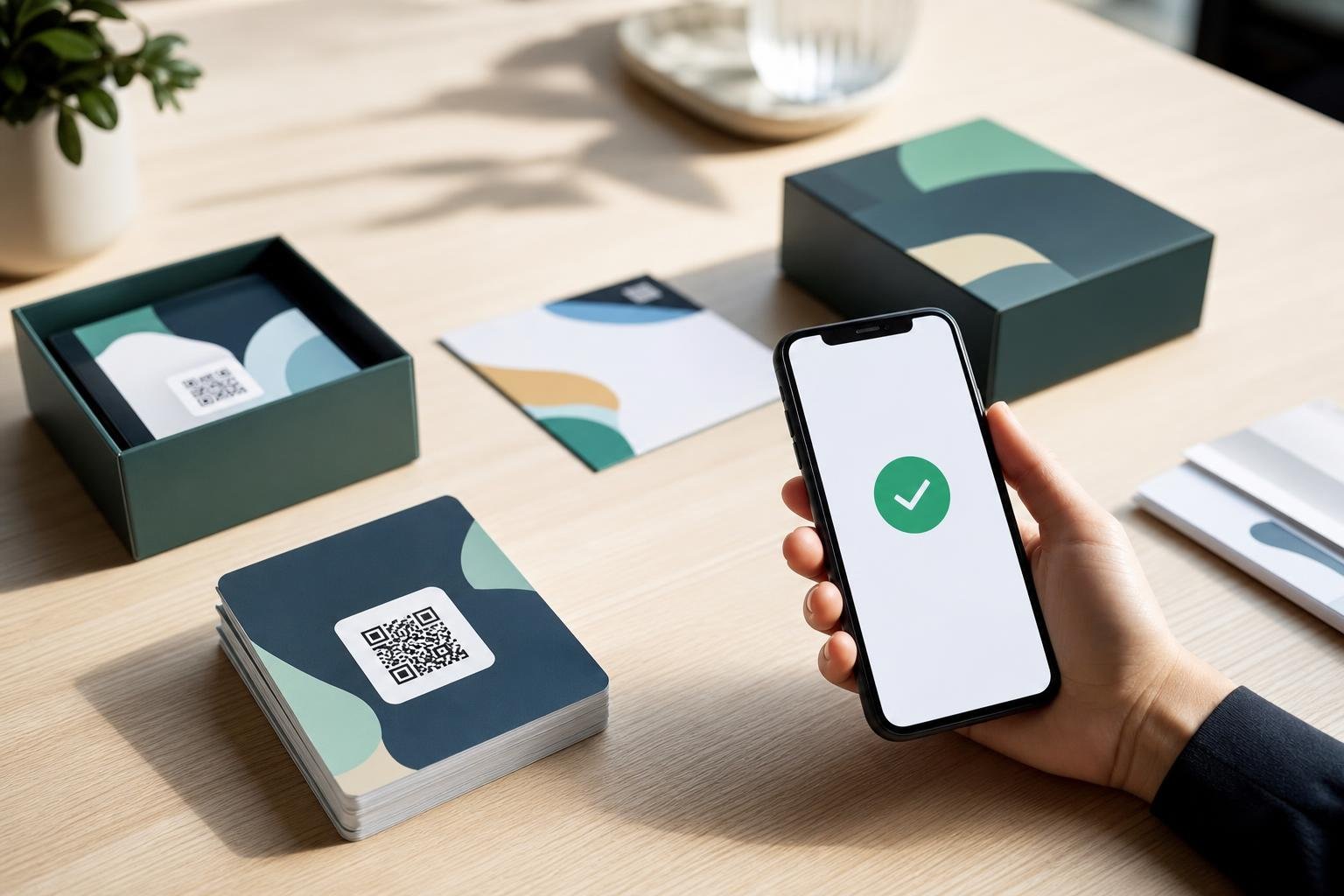
Imagine printing 5,000 product packages for a seasonal launch. If your promotion ends or you switch inventory tools, a static code turns into a dead end. Dynamic codes redirect through a short link, allowing you to update the web address in seconds right from your dashboard.
2. Comprehensive Scan Intelligence
You cannot improve what you do not measure. Using QR code analytics, you see total and unique scans, customer devices, and exact city-level locations. Compare these data points across locations to see which retail displays or print placements drive real foot traffic.
3. Print-Ready Vector Output
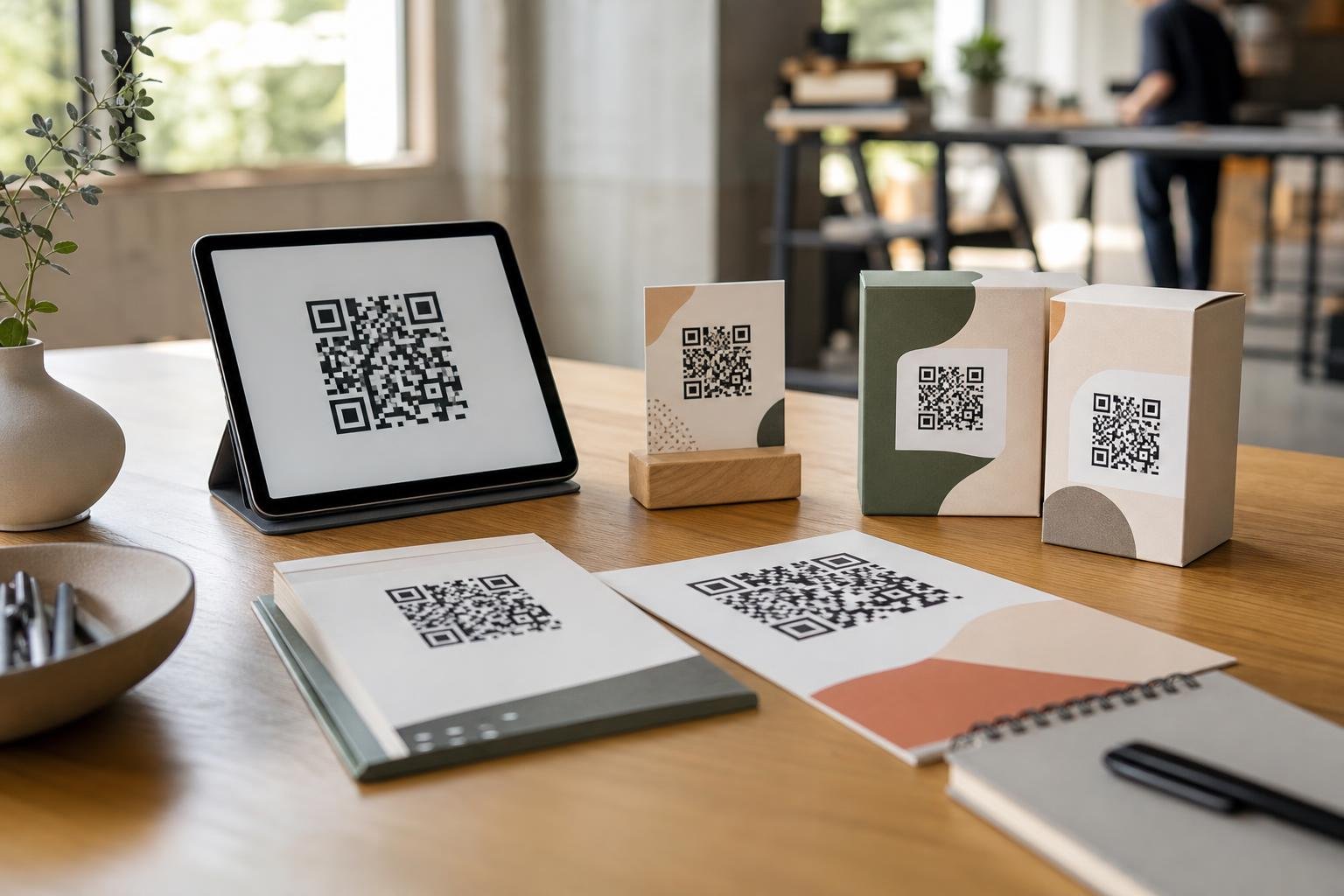
Screen graphics look blurry when enlarged. A reliable generator provides sharp SVG and PDF exports alongside standard PNG files. Designers need vector formats to scale graphics across giant trade-show backdrops without losing crisp edge contrast.
Branded QR Code Styling That Actually Scans
Dull black-and-white grids feel generic, but over-styling can make a code unreadable to standard smartphone cameras. Finding the right balance between distinctive brand elements and scannable technical structure is critical.
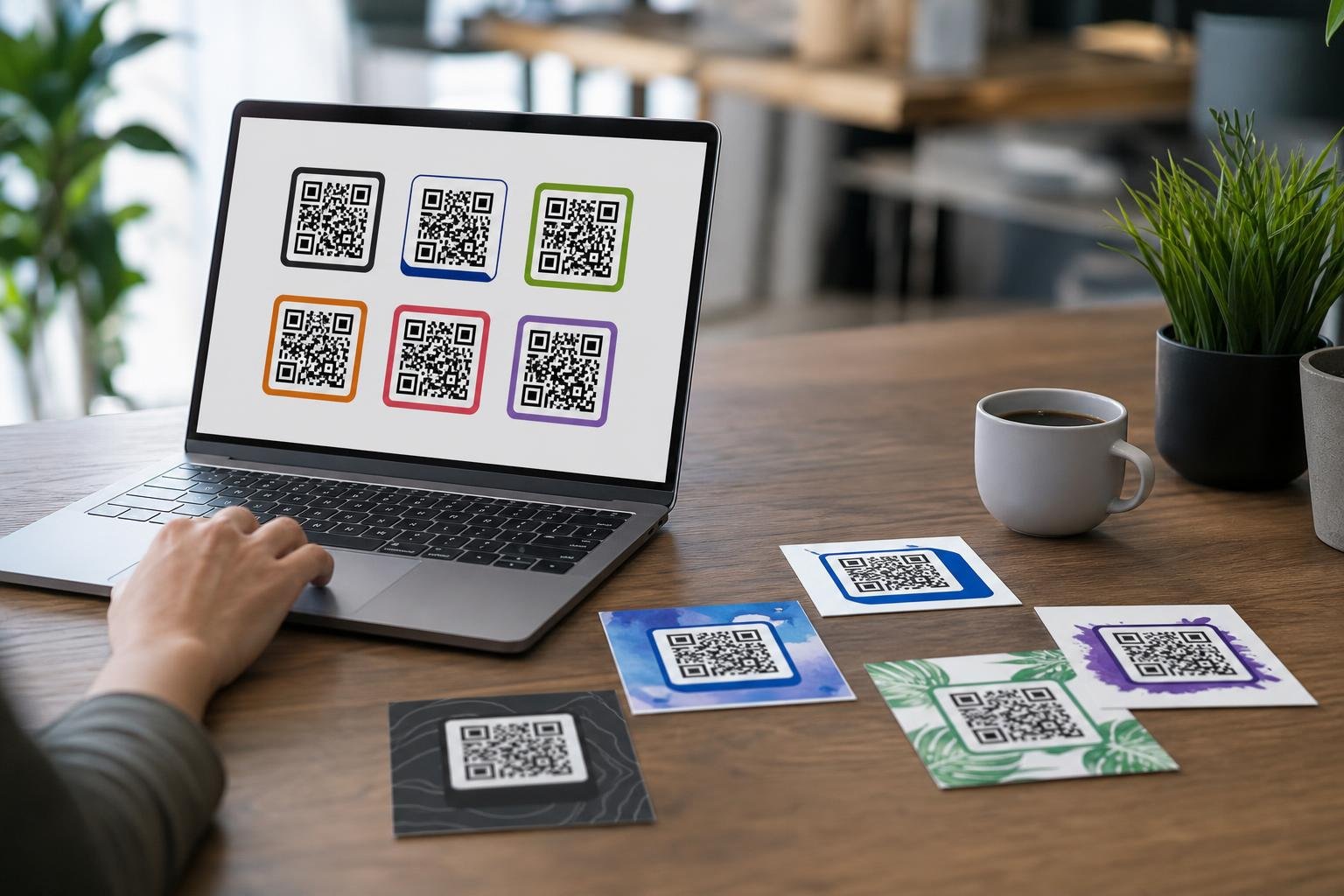
With intuitive custom QR code design, you can integrate your primary brand colors, adjust eye shapes, and center your company logo cleanly. Clear call-to-action frames—such as Scan for Menu, Connect to Wi-Fi, or Claim Offer—tell people exactly what to expect before they tap.
Always maintain strong contrast between your foreground pattern and your background canvas. Dark codes set against pale backgrounds deliver the highest scanning reliability across diverse lighting conditions. Avoid placing dark logos over dark body elements, and always run a live test scan before sending artwork to print.
How Businesses Put Dynamic Codes to Work
Different business sectors use dynamic links to bridge physical spaces with digital actions quickly:
- Restaurants and Cafés: Update digital lunch specials, happy hour menus, and dessert offerings without reprinting table talkers or window clings.
- Retail Outlets: Direct shoppers to digital warranty registrations, VIP loyalty clubs, or customer review pages right from the receipt.
- Event Planners: Manage check-in updates, venue maps, and last-minute schedule changes across printed badges and entrance banners.
- Service Providers: Connect clients to booking forms, direct payment gateways, or your team on WhatsApp with a single scan.
Instead of paying high setup fees across multiple niche tools, businesses can run all these formats through one unified generator and management platform. Check our pricing guide to choose a setup matching your volume.
Step-by-Step: Switching to Dynamic QR Management
Transitioning your active campaigns to dynamic links takes just a couple of minutes. Here is how to create your first dynamic asset:
- Define Your Goal: Determine whether you are linking to an online shop, an event registration page, a downloadable menu, or a direct messaging channel.
- Generate the Dynamic Link: Enter your destination link inside the platform to generate a compact, clean matrix pattern.
- Style the Asset: Add your logo, adjust frame margins, and choose brand colors while keeping contrast high.
- Download High-Resolution Files: Save an SVG or PDF for your graphic designer, and keep a PNG for quick mockups and email layouts.
- Monitor and Tweak: Track visitor trends inside your dashboard, and edit the destination URL whenever your promotional targets change.
Frequently asked questions
Can I edit a dynamic QR code after printing it?Yes. Dynamic QR codes point to a manageable short URL rather than hardcoding your final web address. You can change the destination website inside your dashboard at any time without altering the printed design.
Will my dynamic codes stop working if scan volumes spike?No. When you use Swoo.se, your codes do not carry artificial scan limits. High-traffic campaigns, viral retail packaging, and seasonal promotions continue working smoothly no matter how many customers scan them.
What file format is best for commercial printing?Vector formats like SVG and PDF are best for professional print runs. Unlike raster PNG files, vectors scale to any billboard, poster, or merchandise size without pixelation or scanning errors.
Do dynamic QR codes expire?Dynamic QR codes stay active as long as your account remains in good standing. You retain continuous control over the destination link, scan analytics, and visual presentation.